Evaluating a Cloud-Based Smartphone Door Entry App for Commercial Buildings
A cloud-based smartphone door entry app can look convincing in a short demonstration: a user receives a mobile credential, approaches a door, and unlocks it with Bluetooth, NFC, a digital wallet pass, or a remote command. In a commercial building, that is only the visible layer. The harder question is whether the system remains secure, usable, auditable, and operational when phones are lost, networks are interrupted, tenants change, elevators and turnstiles are involved, and a building must still meet its life-safety obligations.
The right evaluation approach is to treat the app as part of an access-control architecture, not as a replacement for a reader. A suitable cloud based smartphone door entry app should support a defined identity model, protect credentials and administrative actions, work predictably during connectivity failures, integrate with the installed door hardware, and produce records that can be trusted during an incident review. Features matter, but failure behavior and operating controls usually decide whether a deployment is ready for a commercial property.
Start with the door and the operating scenario
Before comparing app interfaces, map the entrances the system is expected to control. A lobby door used by employees during business hours has a different risk profile from a loading entrance, a tenant suite, a server room, a parking gate, or a door separating public and restricted areas. The system may need to accommodate permanent staff, temporary contractors, visitors, delivery personnel, cleaning teams, and emergency responders. Each group requires a different combination of identity proofing, access duration, escort rules, and audit expectations.
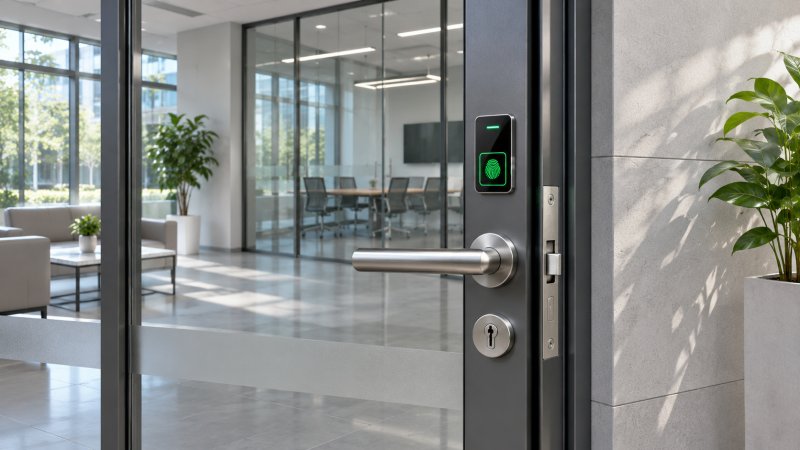
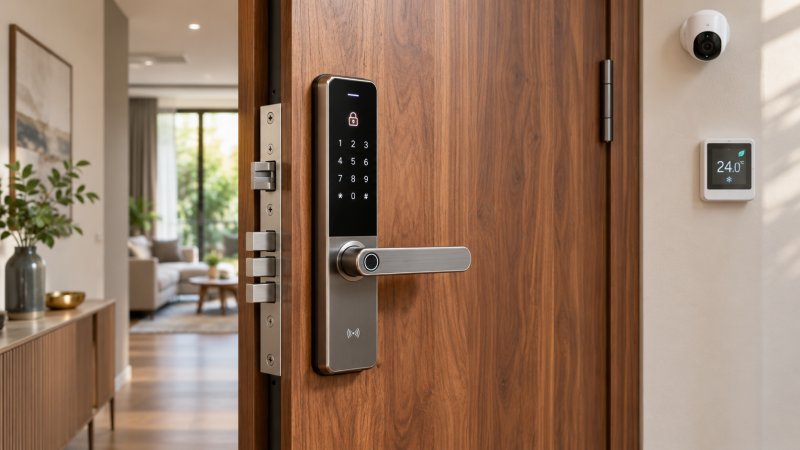
Door operation also affects the technical choice. A smartphone command may trigger a controller through an online service, communicate directly with a nearby reader, or operate through a locally connected gateway. These designs have very different dependencies. Remote unlock can be appropriate for a staffed reception function, but it should not automatically become the default method for every sensitive door. Proximity-based access may reduce the risk of a user unlocking the wrong entrance remotely, while a deliberately approved remote-opening workflow can be useful for managed visitor access.
- Public-facing entry: requires clear visitor handling, anti-tailgating measures where needed, and rapid revocation of temporary access.
- Tenant or employee areas: benefit from role-based schedules, mobile credential lifecycle controls, and compatibility with existing badge workflows.
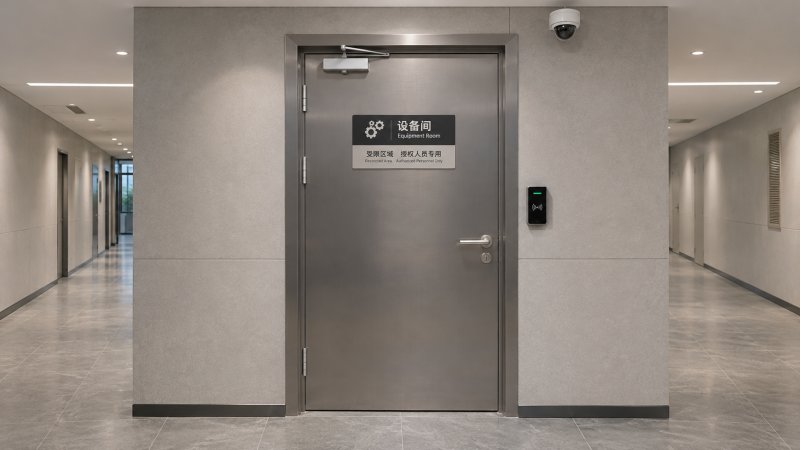
- High-risk rooms: may require stronger authentication, two-person rules, door-position monitoring, or a separate security policy.
- After-hours entrances: need a clear plan for intercom calls, remote release authority, forced-door alarms, and response escalation.
A supplier should be able to explain which functions occur at the cloud layer, which occur in the local controller, and which occur on the phone. Vague answers such as “the system works offline” are not enough. Ask exactly which credentials remain valid offline, how long they remain valid, what happens when a controller loses internet access, and whether administrators can revoke access during that outage.
Separate convenience from the trust model
Mobile access is only as reliable as the process used to establish and maintain the user’s identity. Sending an invitation link to an email address may be sufficient for a low-risk visitor credential, but it is not equivalent to proving that the person holding the phone is the authorized employee. Evaluation should therefore distinguish account enrollment, device registration, user authentication, and credential presentation.
At enrollment, determine who can create or approve an identity. In some buildings, tenant administrators should manage their own users but should not be able to alter base-building access rules. In others, a central security team may require approval for every credential that reaches common areas. The platform should support roles that reflect this separation instead of giving broad administrator rights to anyone who manages a tenant list.
Questions that expose weak identity controls
- Can an administrator verify an invitation before a credential is issued?
- Is the credential bound to a device, a user account, or both?
- What happens when a user changes phones, restores a backup, or installs the app on multiple devices?
- Can the app require a device passcode, biometric verification, or step-up authentication before sensitive actions?
- How quickly can access be suspended when a phone is lost or employment ends?
- Are shared phones, shared accounts, and forwarded invitations technically blocked or merely prohibited by policy?
Credential sharing is a practical concern. A mobile credential that can be casually transferred between devices weakens accountability, especially where logs are used to investigate access events. Stronger designs typically use protected key storage on the device, cryptographic challenge-response methods, account controls, and server-side revocation. The evaluator does not need source code to assess this area, but the provider should be able to describe the credential protection approach in technical terms rather than relying on broad claims about encryption.
Authentication should also be proportionate. Requiring a biometric prompt for every low-risk office door may create friction and encourage workarounds. Not requiring any re-authentication before remotely opening a restricted entrance may be too permissive. A configurable policy is more useful than a single rigid setting.
Test the failure modes before accepting cloud dependency
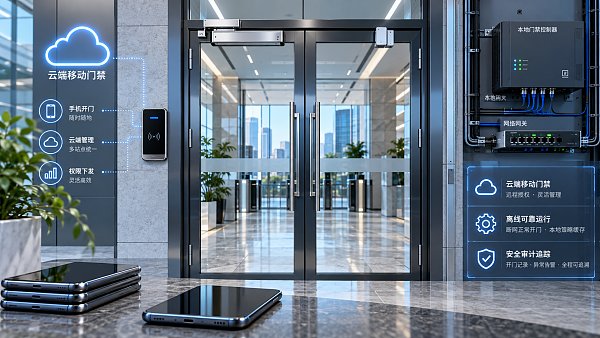
Cloud management does not necessarily mean that every door-opening decision must depend on a live internet connection. For commercial buildings, the preferred design usually allows the local access-control equipment to continue enforcing previously authorized permissions when its connection to the cloud is interrupted. The cloud can still manage identities, synchronize schedules, distribute updates, and consolidate reporting, but a temporary service disruption should not automatically lock out authorized occupants or leave doors unsecured.
During evaluation, document at least four separate failure conditions: loss of internet at the building, loss of internet on the user’s phone, cloud service unavailability, and loss of power at the door equipment. They produce different outcomes. Bluetooth or NFC credentials may still work when a phone has no data connection, provided the reader and credential support local verification. A remote unlock request usually cannot work without an available communication path. Battery-backed controllers, locks, network switches, and gateways may be necessary if continuity is required during a local power event.
The lock’s fail-safe or fail-secure behavior must be assessed against door function, emergency egress requirements, and the building’s approved design. A smartphone application cannot override the need for properly configured exit hardware, fire-alarm interfaces, emergency release logic, and local codes. Where the app controls a door with electric locking hardware, confirm which system has authority during an alarm or power-loss condition and test the sequence with the physical equipment involved.
Integration is often the real selection constraint
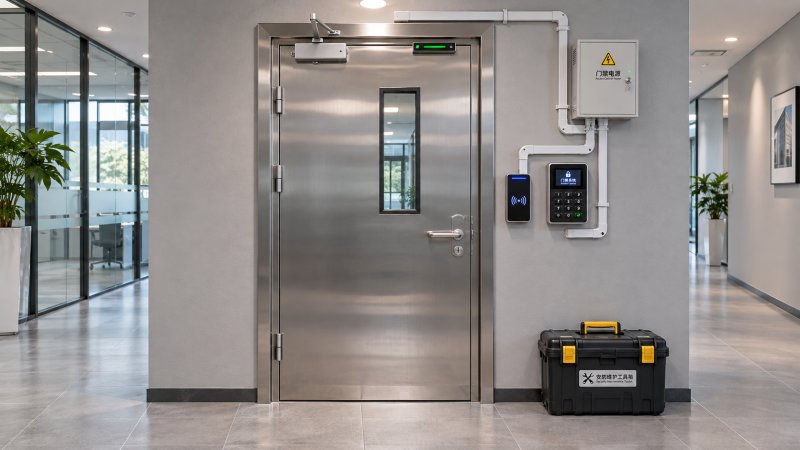
Commercial properties rarely start with an empty access-control environment. They may have installed readers, panels, electric strikes, magnetic locks, door contacts, request-to-exit devices, intercoms, visitor management tools, elevator controls, video systems, and building identity directories. A mobile platform that works well at one demonstration door may still create operational problems if it requires replacement of functioning panels, cannot import users reliably, or loses meaningful alarm events.
Build an interface map before asking for a proposal. Identify what needs to connect, which system is the source of truth for users and access groups, and whether the mobile platform must coexist with physical cards. Coexistence matters during phased rollout: some occupants may use cards, some may use phones, and facilities personnel may need a mechanical or emergency fallback. Requiring all users to change at once can create unnecessary deployment risk.
For each integration, clarify whether it is native, supported through a documented application programming interface, dependent on a third-party connector, or handled manually. A claimed integration may only mean that two systems can exchange a basic user list. That may not include real-time revocation, access schedules, elevator permissions, door alarms, visitor status, or synchronized audit records.
Audit trails need context, not just timestamps
A useful record distinguishes between access granted, access denied, remote unlock requested, remote unlock approved, door forced, door held open, controller offline, and configuration changed. It should identify the user, credential, device or reader, door, time, and action source where applicable. Administrative logs are equally important. A review should reveal who created a permission, changed a schedule, altered a door configuration, or assigned a higher-level role.
Check how timestamps are synchronized and how events are handled during a network outage. Buffered events should preserve their original occurrence time rather than appearing only when the controller reconnects. Also establish who can view, export, retain, or delete records. Access logs can reveal work patterns and personal movement, so privacy controls should not be treated as an afterthought.
Evaluate cybersecurity beyond the mobile app
The attack surface includes the app, cloud service, administrative portal, APIs, reader firmware, controllers, gateways, local network, and support processes. An assessment should ask where data is stored, how communications are protected, how software updates are delivered, and how vulnerabilities are reported and addressed. It should also examine operational controls: a secure product can still be undermined by weak administrator passwords, dormant accounts, over-broad roles, or unmanaged installer access.
Request a clear explanation of tenant separation in multi-tenant environments. One building or tenant organization must not be able to see another’s users, credentials, or access history. Administrative accounts should support strong authentication, preferably with multi-factor options, and permissions should be assigned according to role rather than shared through a general master account.
Firmware and application updates deserve special attention. Ask whether updates are signed, how devices verify their authenticity, whether deployment can be staged, and what rollback options exist if an update causes a fault. For a large property, an uncontrolled update across every entry point can create more operational risk than the original problem it was intended to fix.
Run a scenario-based acceptance test
Product demonstrations tend to focus on the happy path: an enrolled employee opens a connected door using a charged, unlocked phone. Acceptance testing should instead cover situations that facilities and security teams must resolve without delay. Use a small number of real doors representing different conditions, then test both the mobile experience and the physical system response.
- Enroll a new user through the intended approval process and confirm that access is limited to the assigned doors and schedule.
- Issue a temporary visitor credential, expire it, and verify that it cannot be reused.
- Replace or lose a registered phone and confirm that the old device can be revoked promptly without removing the user’s legitimate access unnecessarily.
- Disconnect the site internet connection and test authorized entry, denied entry, local event storage, and recovery after reconnection.
- Test a door held open, a forced opening, and a request-to-exit event to confirm that alarms and logs remain meaningful.
- Review whether remote unlock requires the right authority, produces an identifiable event, and does not bypass the door’s emergency logic.
- Remove an administrator’s elevated permissions and confirm that delegated access does not persist through cached sessions or unmanaged accounts.
The test should include operational staff, not only IT personnel. Reception teams may need to issue visitor access; security staff may investigate alarms; maintenance teams may need emergency entry when a phone is unavailable; tenant administrators may need to revoke a departing employee. Friction in these workflows often becomes visible only when the people performing them use the system under normal working conditions.
Use a decision record, not a feature score alone
A feature matrix is useful, but it can hide critical dependencies. Record the decision against the building’s actual requirements: credential method, offline behavior, controller compatibility, identity workflow, event retention, privacy controls, administrative separation, support boundaries, and life-safety interaction. Mark each item as demonstrated, documented, configurable, dependent on another system, or unresolved. “Supported” should not be accepted as a final status until the exact configuration has been confirmed.
The strongest option is not necessarily the app with the most user-facing functions. It is the one that preserves reliable local door operation, limits credential misuse, fits the installed infrastructure, gives administrators controlled authority, and leaves a defensible record of both access events and system changes. Where a proposed deployment affects emergency egress, fire interfaces, or protected areas, the final design should be reviewed against the applicable building and security requirements before doors are placed into service.
Have questions about this sector analysis, or seeking best practices specific to your niche? Drop us a line below and let the senior consultants at MHLS assist you.
We respect your privacy. Your information is strictly confidential.
Recommended News
 Physical Security Infrastructure Cost: Budgeting for Installation and MaintenanceUnmanned Terminal FellowUnderstand physical security infrastructure cost and build a smarter budget for installation, maintenance, and long-term ownership.
 Financial Facility Security: Choosing Vault Doors for Bank BranchesVault Structural ArchitectStrengthen financial facility security with the right bank vault door. Explore certification, installation, locking controls and maintenance before you buy.
 MACO Acquires Majority Stake in Fingerprint Access Provider ekeyProf. Elara SterlingMACO acquires a majority stake in ekey, bringing fingerprint access and door hardware closer together. Discover what the deal could mean for smart buildings.
 Physical Security System Engineering: From Risk Assessment to System DesignUnmanned Terminal FellowExplore physical security system engineering, from risk assessment to integrated design, procurement and testing. Build a safer, more resilient facility.
 Apple Home Collection Smart Lock and Other Accessories Open for Preorder November 13Biometric Auth ScientistApple Home Collection preorders open November 13, 2026. Explore the LG smart lock’s Matter and Aliro support and what buyers should verify before ordering.
 Choosing Servo-Driven Flap Barriers: Throughput, Safety and Access ControlAccess Control StrategistServo-driven flap barriers can balance throughput, safety and access control. Discover how to compare lanes, test performance and choose with confidence.
 Parcel Locker Network Pricing: Setup Costs, Fees and Contract TermsUnmanned Terminal FellowCompare parcel locker networks pricing, from setup costs and recurring fees to contract terms. Discover hidden charges and choose the right model.
 JR East Plans UWB Walk-Through Gates at 40 Stations in Spring 2028Access Control StrategistJR East plans UWB walk-through gates at 40 stations in spring 2028. Explore the rollout timeline and what suppliers should watch.
 Bank Vault Security Standards: UL and EN Ratings ExplainedVault Structural ArchitectExplore bank vault security standards and learn how UL 608 classes and EN 1143-1 grades differ, what they test, and how to verify certification before you buy.
 Mechanical Lock Hardware Prices: What Buyers Should Budget for Bulk OrdersMr. Gideon CrossMechanical lock hardware price is just the starting point. Discover what drives bulk-order costs and how to compare supplier quotes with confidence.
 IndexBox Forecasts Steady Global Security Keypad Market Growth Through 2035Dr. Valerius ThorneGlobal security keypad market growth is forecast at 3.3% annually through 2035. Explore the smart home and replacement trends shaping demand.
 Choosing an Infrared Safety Sensors Manufacturer: What Buyers Should CheckUnmanned Terminal FellowChoosing an infrared safety sensors manufacturer? Compare safety evidence, integration, environmental performance and lifecycle costs before you buy.