Biometric Authentication for Offices vs Keycards: Which Option Fits Daily Operations?
Biometric Authentication for Offices vs Keycards: Which Option Fits Daily Operations?
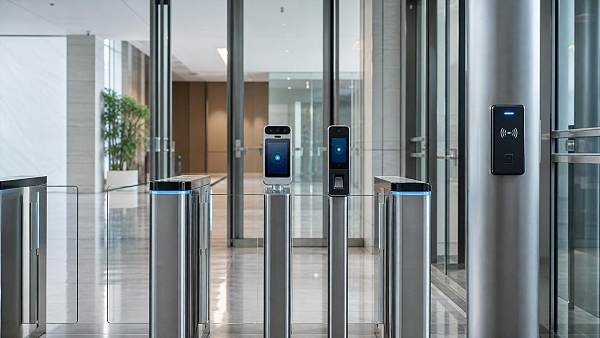
Choosing between biometric authentication for offices and keycards is rarely just a security decision.
It directly affects entry speed, audit quality, staffing effort, and how smoothly daily operations run.
In many buildings, both systems seem workable at first.
The real difference appears after months of badge losses, visitor exceptions, shift changes, and compliance reviews.
That is why biometric authentication for offices is now part of mainstream access control planning.
Fingerprint, facial recognition, and vein-based systems now compete directly with keycards in everyday office environments.
The better choice depends on traffic patterns, risk exposure, user behavior, and integration priorities.
This comparison focuses on practical selection factors, not abstract technology claims.
Why Daily Operations Change the Decision
Office access systems are used constantly.
Employees arrive in waves, move between zones, bring guests, and need quick recovery from exceptions.
A system that looks efficient in a demo can become disruptive during busy mornings.
Keycards are familiar, inexpensive to issue, and simple for temporary access.
But they can be lost, shared, cloned, or used by someone other than the assigned holder.
Biometric authentication for offices reduces those identity gaps.
It ties entry to a person instead of a transferable object.
That matters in restricted areas, finance rooms, R&D spaces, and multi-tenant office operations.
At the same time, biometrics require stronger privacy governance, enrollment planning, and fallback procedures.
Security Comparison: Identity Proof vs Possession Proof
Keycards prove possession.
Biometric authentication for offices proves identity.
That distinction shapes nearly every security outcome.
If a card is stolen, borrowed, or copied, the access event may still appear legitimate in logs.
The log shows the credential, not the real person.
Biometric authentication for offices strengthens accountability because the event is linked to the enrolled user.
This is especially useful where internal misuse matters as much as external intrusion.
Still, not all biometric systems are equal.
Decision-makers should review liveness detection, spoof resistance, template encryption, and false acceptance thresholds.
A low-cost facial terminal without strong anti-spoofing can create new risk instead of reducing it.
In contrast, high-frequency cards with secure encryption can still be reliable in moderate-risk offices.
A practical security checklist
- Check whether shared credentials are a known issue.
- Review card cloning exposure and lost badge frequency.
- Assess whether audit trails must identify the exact individual.
- Confirm biometric template protection and local privacy rules.
- Ask vendors for spoof testing, FAR, FRR, and fallback methods.
Workflow Speed and User Experience
The best access control system is secure without slowing people down.
This is where the comparison becomes more nuanced.
Keycards are fast when users carry them correctly and readers respond consistently.
They work well at parking entrances, shared office floors, and visitor-heavy sites.
Biometric authentication for offices can be even faster in some workflows.
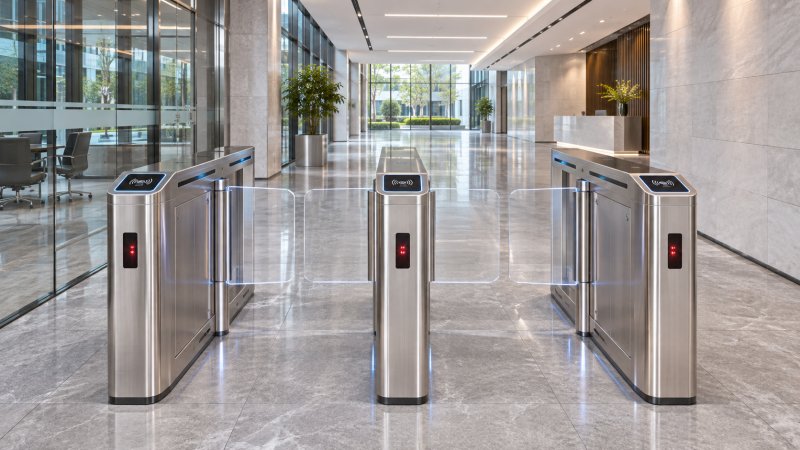
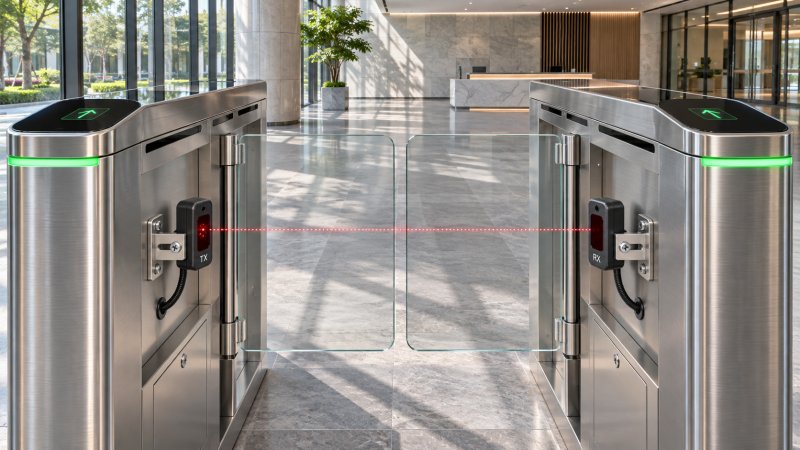
Contactless face recognition, for example, supports smooth passage at turnstiles and controlled speed gates.
The user does not need to search for a badge, wallet, or lanyard.
However, operational reality matters.
Gloves, masks, poor lighting, wet fingers, and heavy traffic can affect throughput.
That is why pilot testing during real peak periods is essential.
If office culture includes frequent contractors, interns, and short-term visitors, keycards may remain easier for temporary workflows.
In mixed-use operations, the strongest answer is often hybrid access.
Where each option feels smoother
Cost, Maintenance, and Administrative Load
Upfront price often drives shortlists, but operating cost tells the fuller story.
Keycards usually cost less to deploy at the beginning.
Readers are common, user training is light, and issuance is straightforward.
But card replacement, deactivation, inventory control, and security re-issuance create ongoing effort.
Those hidden tasks accumulate quickly across multi-site operations.
Biometric authentication for offices usually requires higher initial investment.
Hardware, enrollment, policy work, and system integration raise the first-year budget.
Yet administrative overhead can fall over time, especially where lost cards are common.
The key is to compare lifecycle cost, not device price alone.
Include software licensing, reader replacement, support contracts, and security incident response in the model.
Cost questions worth asking vendors
- What is the total cost per door over five years?
- How are software updates and support priced?
- What is the expected replacement rate for cards or readers?
- How long does enrollment take per employee?
- What are the costs of privacy compliance and data retention controls?
Compliance, Privacy, and Risk Management
This area often decides the project more than hardware performance.
Keycards create fewer privacy concerns because they do not process biometric identifiers.
Biometric authentication for offices requires stronger governance from day one.
That includes consent rules, lawful basis, template storage policy, data minimization, and clear retention timelines.
In some regions, facial data draws stricter review than fingerprints or card-based identity systems.
More importantly, incident response must be different.
A lost card can be revoked and replaced.
A compromised biometric template demands higher technical safeguards because the user cannot simply change a fingerprint.
For that reason, mature vendors use encrypted templates, secure elements, and controlled matching architecture.
When comparing biometric authentication for offices, risk controls should carry as much weight as recognition accuracy.
When Biometric Authentication for Offices Makes More Sense
Biometric authentication for offices is usually the stronger fit in several conditions.
- Access logs must identify the actual individual.
- Card sharing or tailgating has caused repeated issues.
- Sensitive zones need tighter accountability than general office floors.
- Large employee populations make badge replacement inefficient.
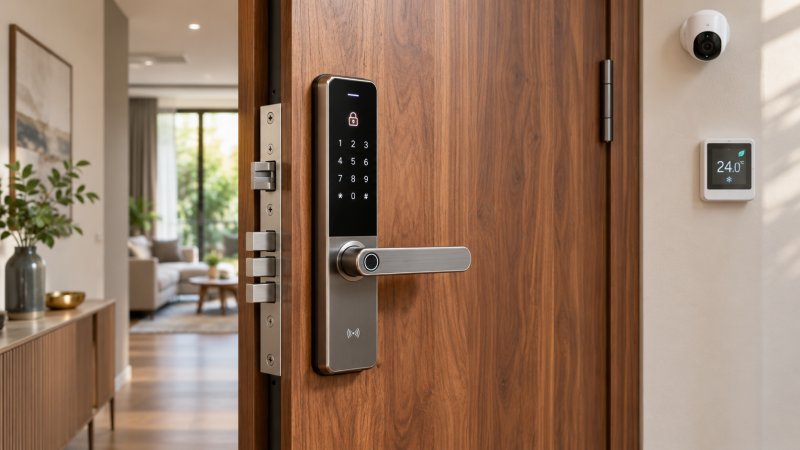
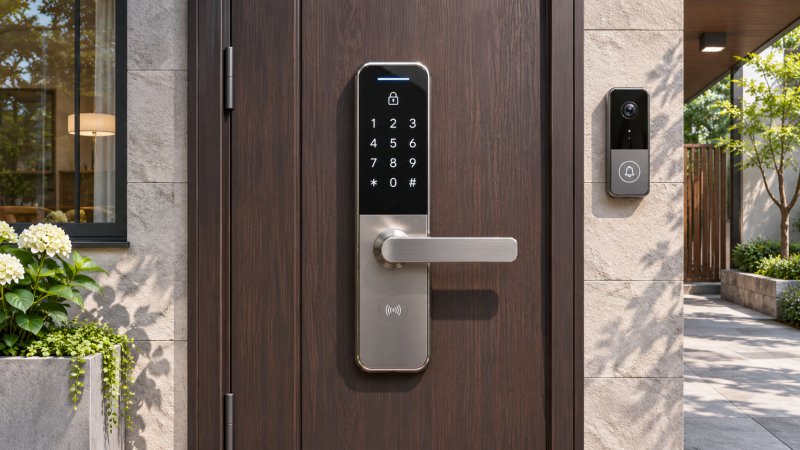
- The building already uses integrated turnstiles, smart locks, or access platforms.
In these cases, biometric authentication for offices can improve both control and operational discipline.
The gain is not only security strength.
It is also cleaner auditing, fewer credential exceptions, and stronger rule enforcement across sites.
When Keycards Still Remain the Better Option
Keycards still make strong operational sense in many offices.
They remain useful where privacy concerns are high, budget is limited, or workforce turnover is frequent.
They also simplify visitor access, external contractor handling, and short-duration permissions.
For low- to medium-risk environments, secure keycards may be entirely adequate.
That is especially true when combined with anti-tailgating sensors, video verification, and strong deactivation policy.
The point is not to replace cards everywhere by default.
The point is to align control level with operational exposure.
A Practical Selection Path
Start with daily use patterns, not product catalogs.
Map where identity certainty matters most and where convenience matters more.
Then separate main entrances, internal zones, and temporary access workflows.
In practice, many sites do best with layered design.
Use keycards for general mobility and visitor control.
Use biometric authentication for offices at high-value rooms, executive areas, records storage, or compliance-sensitive spaces.
That approach often delivers the best balance between acceptance, cost, and risk reduction.
Before final selection, run a pilot, review privacy obligations, and demand measurable vendor performance data.
When evaluated through real operating conditions, the right office access system becomes much easier to identify.
Have questions about this sector analysis, or seeking best practices specific to your niche? Drop us a line below and let the senior consultants at MHLS assist you.
We respect your privacy. Your information is strictly confidential.
Recommended News
 Physical Security Infrastructure Cost: Budgeting for Installation and MaintenanceUnmanned Terminal FellowUnderstand physical security infrastructure cost and build a smarter budget for installation, maintenance, and long-term ownership.
 Financial Facility Security: Choosing Vault Doors for Bank BranchesVault Structural ArchitectStrengthen financial facility security with the right bank vault door. Explore certification, installation, locking controls and maintenance before you buy.
 MACO Acquires Majority Stake in Fingerprint Access Provider ekeyProf. Elara SterlingMACO acquires a majority stake in ekey, bringing fingerprint access and door hardware closer together. Discover what the deal could mean for smart buildings.
 Physical Security System Engineering: From Risk Assessment to System DesignUnmanned Terminal FellowExplore physical security system engineering, from risk assessment to integrated design, procurement and testing. Build a safer, more resilient facility.
 Apple Home Collection Smart Lock and Other Accessories Open for Preorder November 13Biometric Auth ScientistApple Home Collection preorders open November 13, 2026. Explore the LG smart lock’s Matter and Aliro support and what buyers should verify before ordering.
 Choosing Servo-Driven Flap Barriers: Throughput, Safety and Access ControlAccess Control StrategistServo-driven flap barriers can balance throughput, safety and access control. Discover how to compare lanes, test performance and choose with confidence.
 Parcel Locker Network Pricing: Setup Costs, Fees and Contract TermsUnmanned Terminal FellowCompare parcel locker networks pricing, from setup costs and recurring fees to contract terms. Discover hidden charges and choose the right model.
 JR East Plans UWB Walk-Through Gates at 40 Stations in Spring 2028Access Control StrategistJR East plans UWB walk-through gates at 40 stations in spring 2028. Explore the rollout timeline and what suppliers should watch.
 Bank Vault Security Standards: UL and EN Ratings ExplainedVault Structural ArchitectExplore bank vault security standards and learn how UL 608 classes and EN 1143-1 grades differ, what they test, and how to verify certification before you buy.
 Mechanical Lock Hardware Prices: What Buyers Should Budget for Bulk OrdersMr. Gideon CrossMechanical lock hardware price is just the starting point. Discover what drives bulk-order costs and how to compare supplier quotes with confidence.
 IndexBox Forecasts Steady Global Security Keypad Market Growth Through 2035Dr. Valerius ThorneGlobal security keypad market growth is forecast at 3.3% annually through 2035. Explore the smart home and replacement trends shaping demand.
 Choosing an Infrared Safety Sensors Manufacturer: What Buyers Should CheckUnmanned Terminal FellowChoosing an infrared safety sensors manufacturer? Compare safety evidence, integration, environmental performance and lifecycle costs before you buy.