Access Control Management Software: Which Functions Matter for Multi-Site Operations?
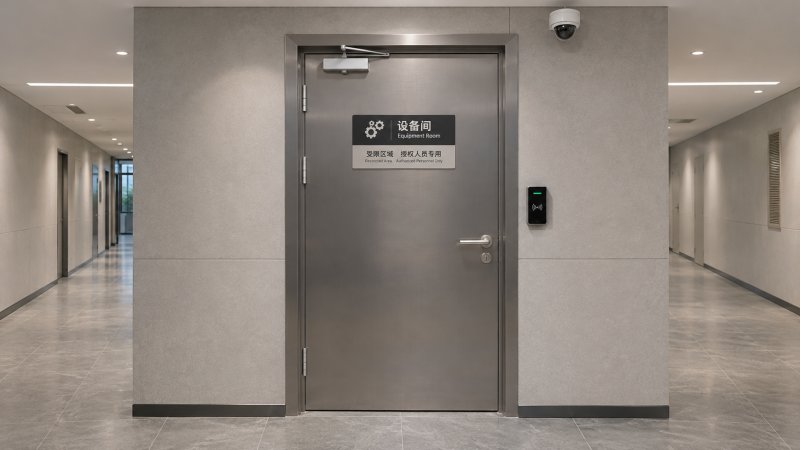
Choosing access control management software for distributed facilities is no longer a simple credentialing decision. In multi-site operations, the software becomes the control layer that connects doors, turnstiles, biometric readers, lock hardware, alarms, operators, and audit demands across very different locations.
That matters across commercial buildings, logistics sites, residential complexes, financial spaces, and restricted infrastructure. When security policies must stay consistent from one site to the next, weak software architecture often creates more risk than the hardware itself.
Within the broader physical security market followed by SHPS, this topic sits at the intersection of access control, smart locks, speed gates, IoT locker networks, protective entry points, and compliance-oriented deployment. The practical question is not whether software can open and close doors, but whether it can support stable, scalable operations without losing visibility.
Why multi-site access control is a different problem
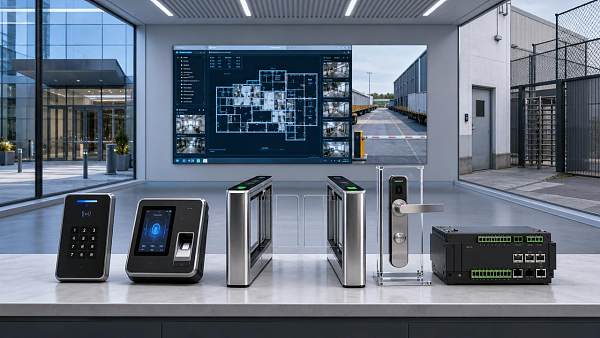
A single facility can be managed with local rules and manual oversight. A portfolio of sites introduces different schedules, network conditions, hardware generations, user groups, and emergency procedures.
This is why access control management software must do more than store cardholder data. It has to unify policy, event monitoring, permissions, and maintenance workflows across a dispersed estate.
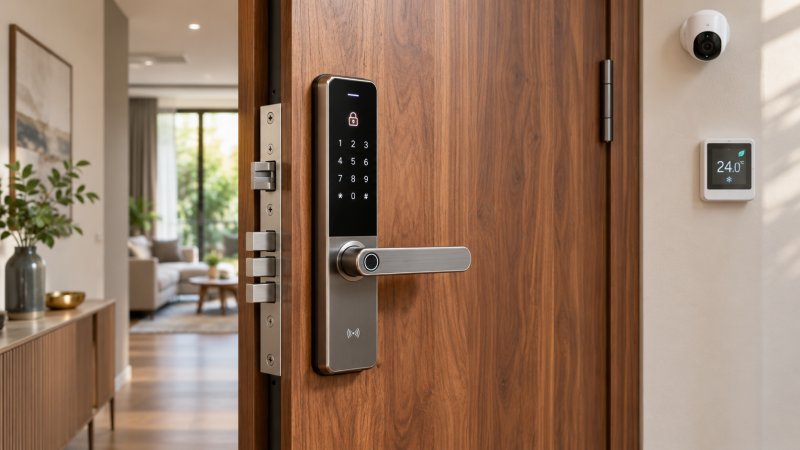
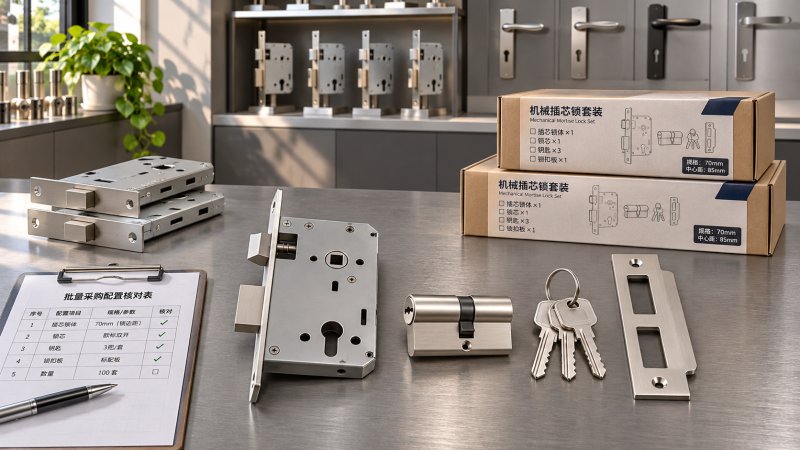
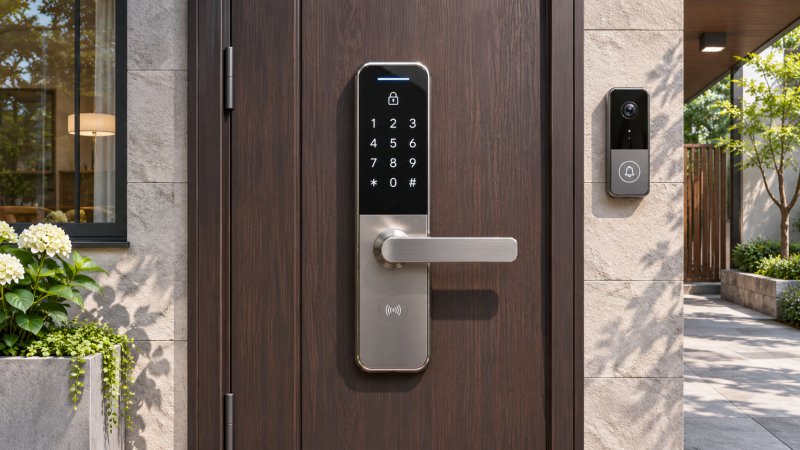
In practice, a site may combine fingerprint smart locks, facial recognition readers, mechanical backup cylinders, speed gates, parcel locker access points, and standard credential readers. Software that cannot normalize these assets quickly becomes an operational bottleneck.
The functions that matter most
The best access control management software is usually defined by control depth rather than interface appearance. Several capabilities tend to separate scalable platforms from basic systems.
Centralized administration with local resilience
A central console is essential for multi-site policy control, but it should not create a single point of operational failure. Each site still needs local decision capacity if connectivity is interrupted.
This balance is especially important where doors protect high-value assets, restricted rooms, vault perimeters, or high-throughput entry lanes. Central visibility without local resilience is not enough.
Role-based permissions and scalable identity control
As user populations grow, access rights become harder to manage than the devices themselves. Good access control management software should support role templates, site inheritance, temporary permissions, and automated expiration rules.
This reduces configuration drift between sites. It also lowers the risk of dormant accounts, over-permissioned users, and inconsistent exception handling.
Real-time event visibility
Multi-site operators need to see forced doors, tailgating alerts, door-held-open events, reader failures, and abnormal access attempts as they happen. Real-time dashboards are not cosmetic features; they shape response speed.
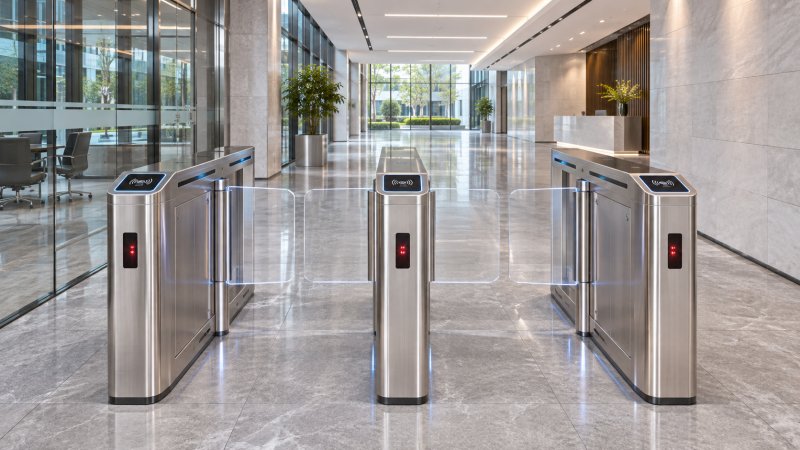
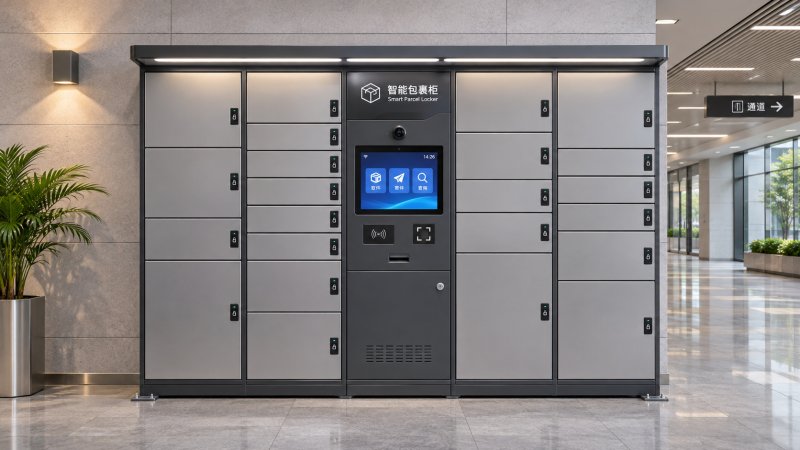
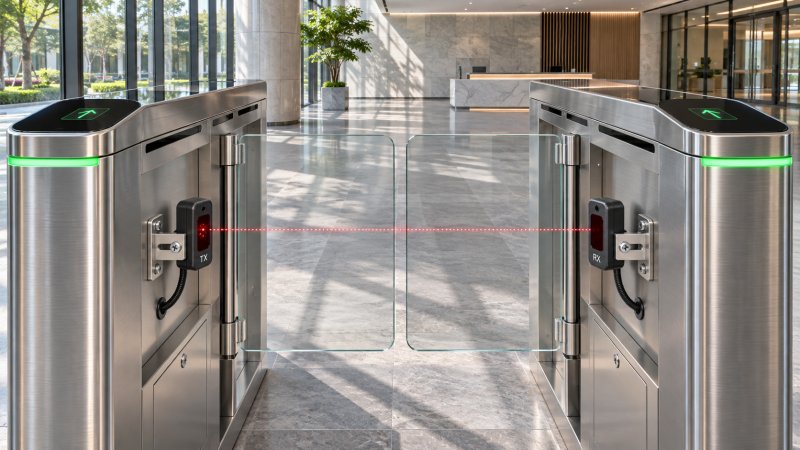
This becomes more valuable when turnstiles, infrared anti-tailgating systems, smart parcel locker doors, and biometric entry points are part of the same operational map.
Audit trails that support investigation
A usable audit trail should connect identity, door, time, event type, operator action, and configuration change. In many systems, logs exist, but they are fragmented or difficult to search.
For regulated or high-risk facilities, searchable event history is central to incident review, insurance documentation, compliance checks, and post-event process correction.
Integration depth is often the decisive factor
Hardware diversity is normal in the physical security sector. One site may use biometric readers, another may rely on mobile credentials, and a third may combine access doors with elevator control and visitor workflows.
Because of that, access control management software should be judged by how well it integrates rather than how broad its feature list appears. A closed platform may look complete at first, then become expensive to expand.
Useful integration areas usually include video systems, intrusion alarms, building management systems, visitor management, HR identity sources, biometrics, and smart locker infrastructure. In the SHPS landscape, integration also matters where protective doors, lock hardware, and electronic access points must work inside one security logic.
Operational consistency matters more than feature volume
Feature-heavy software can still perform poorly if daily administration becomes inconsistent. Multi-site environments need repeatable workflows for onboarding, revoking access, updating schedules, changing door groups, and documenting exceptions.
That is why template-based deployment is so valuable. If the same policy logic can be reused across similar facilities, expansion becomes more predictable and less error-prone.
Access control management software should also make it easy to separate global policies from local adaptations. A logistics site, for example, may need different time windows and anti-passback rules than a corporate office or residential lobby.
Reporting that supports decisions
Reporting should help identify patterns, not just export logs. Useful reports show access exceptions, inactive credentials, repeated alarm points, device health trends, and policy deviations across sites.
This is one of the strongest ways to convert access control management software from a security tool into a management tool.
How to read software fit by scenario
The right software profile changes with the environment. Not every multi-site network has the same risk shape or operational pressure.
- Commercial offices often prioritize visitor workflows, elevator integration, remote credential management, and standard compliance reporting.
- Logistics and parcel environments usually need shift-based access rules, outdoor device monitoring, locker integration, and strong event handling.
- Financial or high-security storage areas place more weight on layered authentication, detailed audit trails, and dual-control logic.
- Residential or mixed-use sites may focus on mobile credentials, resident lifecycle changes, and integration with entrance gates or smart locks.
In other words, access control management software should be evaluated against operational patterns, not only against a vendor checklist.
Questions that usually reveal system quality
A useful evaluation process tests how the platform behaves under real operating pressure. Several questions tend to expose whether the software is ready for scale.
- Can one operator push policy changes to many sites without overwriting local exceptions?
- How does the system respond when a site loses connectivity?
- Can audit data be searched quickly by identity, location, and event type?
- How easily can legacy readers, new biometrics, or turnstiles be brought into the same platform?
- Does remote maintenance include firmware visibility, device health, and alert escalation?
- Are permissions easy to review for expired contractors, temporary staff, or dormant users?
These questions are practical because they test business continuity, not marketing claims.
Where the next decision should focus
For organizations managing multiple properties or restricted assets, access control management software should be viewed as infrastructure software. Its value comes from standardizing decisions, reducing blind spots, and supporting reliable responses across the entire portfolio.
A sensible next step is to map current devices, entry types, and operational workflows before comparing platforms. After that, focus on integration pathways, reporting depth, local failover behavior, and permission governance.
In a market shaped by smart hardware, biometric identity, mechanical protection, and connected entry systems, the strongest access control management software is usually the one that keeps complexity manageable while preserving security intent at every site.
That approach creates a clearer basis for vendor comparison, pilot design, and long-term deployment planning.
Have questions about this sector analysis, or seeking best practices specific to your niche? Drop us a line below and let the senior consultants at MHLS assist you.
We respect your privacy. Your information is strictly confidential.
Recommended News
 Physical Security System Engineering: From Risk Assessment to System DesignUnmanned Terminal FellowExplore physical security system engineering, from risk assessment to integrated design, procurement and testing. Build a safer, more resilient facility.
 Apple Home Collection Smart Lock and Other Accessories Open for Preorder November 13Biometric Auth ScientistApple Home Collection preorders open November 13, 2026. Explore the LG smart lock’s Matter and Aliro support and what buyers should verify before ordering.
 Choosing Servo-Driven Flap Barriers: Throughput, Safety and Access ControlAccess Control StrategistServo-driven flap barriers can balance throughput, safety and access control. Discover how to compare lanes, test performance and choose with confidence.
 Parcel Locker Network Pricing: Setup Costs, Fees and Contract TermsUnmanned Terminal FellowCompare parcel locker networks pricing, from setup costs and recurring fees to contract terms. Discover hidden charges and choose the right model.
 JR East Plans UWB Walk-Through Gates at 40 Stations in Spring 2028Access Control StrategistJR East plans UWB walk-through gates at 40 stations in spring 2028. Explore the rollout timeline and what suppliers should watch.
 Bank Vault Security Standards: UL and EN Ratings ExplainedVault Structural ArchitectExplore bank vault security standards and learn how UL 608 classes and EN 1143-1 grades differ, what they test, and how to verify certification before you buy.
 Mechanical Lock Hardware Prices: What Buyers Should Budget for Bulk OrdersMr. Gideon CrossMechanical lock hardware price is just the starting point. Discover what drives bulk-order costs and how to compare supplier quotes with confidence.
 IndexBox Forecasts Steady Global Security Keypad Market Growth Through 2035Dr. Valerius ThorneGlobal security keypad market growth is forecast at 3.3% annually through 2035. Explore the smart home and replacement trends shaping demand.
 Choosing an Infrared Safety Sensors Manufacturer: What Buyers Should CheckUnmanned Terminal FellowChoosing an infrared safety sensors manufacturer? Compare safety evidence, integration, environmental performance and lifecycle costs before you buy.
 Choosing a Security Material Testing Service: What to Check for Lock and Safe MaterialsProf. Elara SterlingChoose a security material testing service with confidence. Learn what to check for lock and safe materials, from attack methods and accreditation to reliable reports.
 How Precision Anti-Pick Lock Cylinders Resist ManipulationSecurity Metallurgy ExpertDiscover how precision anti-pick lock technology resists manipulation, and learn what to check when comparing security features, test evidence, and everyday reliability.
 Dermalog Joins NIST FastCAP Program for Contactless Fingerprint TestingProf. Elara SterlingDermalog joins the NIST FastCAP program for contactless fingerprint testing. Discover what this means for biometric identification and digital identity.