Biometric Access Control for Offices: Key Features, User Flow, and Integration Tips
Why office entry control now needs sharper scenario judgment
Biometric access control for offices is no longer a niche upgrade. It now sits at the intersection of physical security, daily workflow, and building system visibility.
The main shift is practical. Offices want fewer shared credentials, faster entry at peak hours, and clearer records for audits and incident review.
That does not mean every site should deploy the same reader, algorithm, or user flow. A compact design studio, a multi-tenant tower, and a finance back office behave very differently.
In real projects, biometric access control for offices works best when planners treat it as part of a wider physical security layer.
That layer may include turnstiles, protective doors, lock hardware, anti-tailgating sensors, visitor systems, and building management software.
This is why SHPS-style market analysis matters. It connects biometric reliability, mechanical security, compliance expectations, and integration choices into one deployment picture.
Actual office use cases rarely share the same pressure points
The first question is not which biometric device looks advanced. The first question is what type of office movement must be controlled without slowing normal use.
A headquarters lobby usually values throughput. People arrive in waves, badges are often forgotten, and reception staff cannot resolve every delay manually.
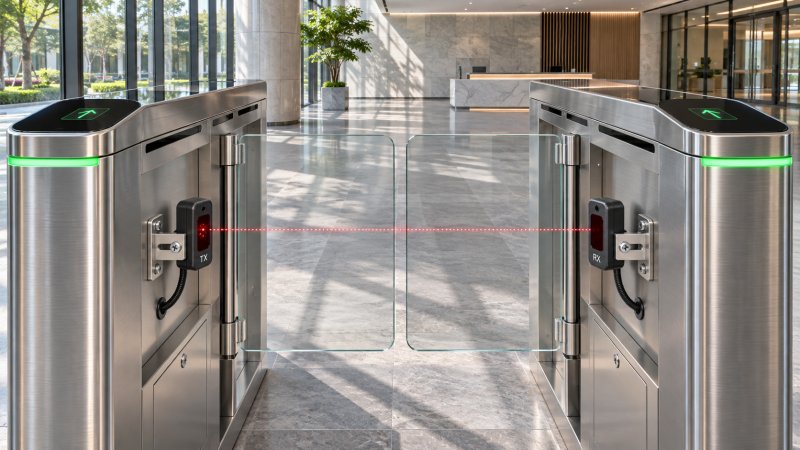
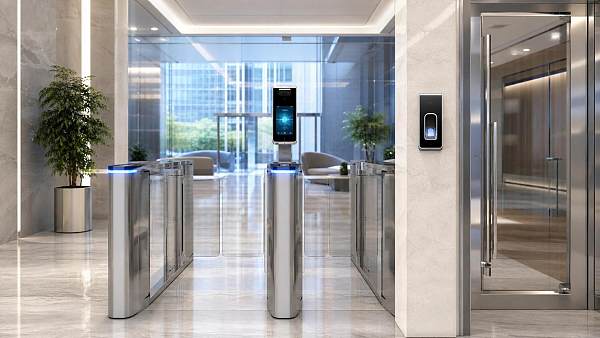
Here, biometric access control for offices often favors facial recognition linked to speed gates or turnstiles. Contactless passage reduces queue buildup and supports hands-free movement.
By contrast, a restricted archive room or executive floor has a narrower traffic pattern. The real concern is controlled authorization, not public-facing convenience.
That environment may suit fingerprint, vein recognition, or dual-factor logic with a card plus biometric match. The user flow is slower, but the risk tolerance is lower.
There is also the hybrid office pattern. Occupancy changes by day, temporary staff come and go, and access rights need regular adjustment.
In that setting, biometric access control for offices should be judged by enrollment speed, permission updates, and cloud or platform-level administration.
What often matters in high-traffic front zones
Front entrances are judged by flow stability before anything else. A small delay per user becomes a visible congestion problem during arrival windows.
This is where liveness detection, recognition speed, and anti-tailgating support should be reviewed together. Good matching accuracy alone is not enough.
If the office already uses speed gates, infrared safety curtains, or visitor QR passes, the biometric layer should fit that movement pattern instead of replacing it blindly.
What changes in smaller or sensitive areas
Server rooms, R&D labs, records storage, and finance offices usually need tighter event logs and lower tolerance for identity substitution.
For these spaces, biometric access control for offices should be checked against door structure, lock body strength, override policy, and emergency egress requirements.
A strong biometric reader paired with weak door hardware creates a misleading security result. Physical resistance and identity verification must rise together.
Core feature choices depend on how the office actually operates
Most comparison lists focus on fingerprint versus face recognition. In practice, feature selection is broader and more operational.
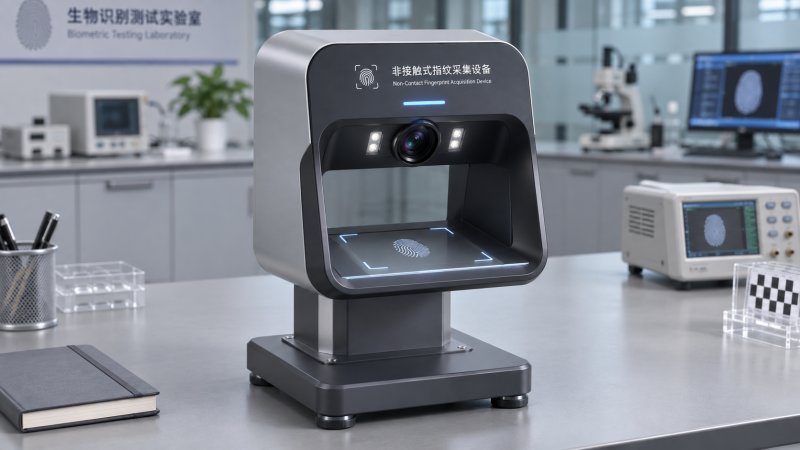
- Recognition mode: fingerprint, 3D facial recognition, vein recognition, or multimodal verification.
- Liveness protection: resistance to printed images, recorded video, fake fingerprints, or other spoof attempts.
- Entry behavior: one-to-one verification, one-to-many identification, or biometric plus card or PIN.
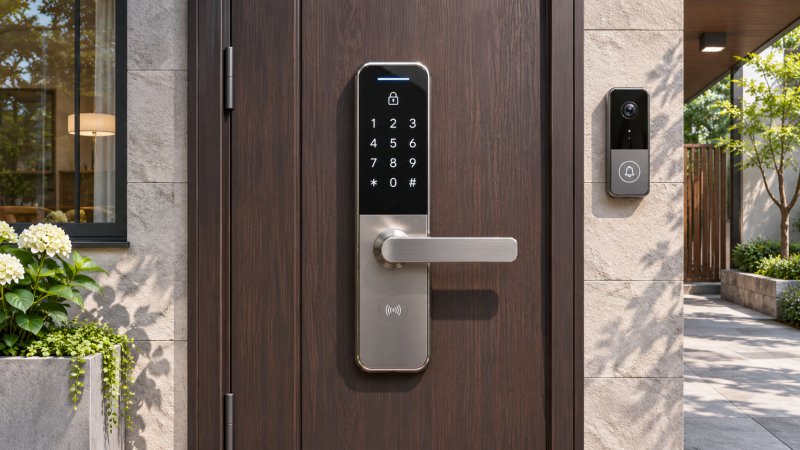
- Hardware fit: door controllers, electric locks, turnstiles, elevator permissions, and emergency release logic.
- System oversight: audit trails, remote enrollment, role-based permissions, and cross-site administration.
For office retrofits, installation tolerance is often overlooked. Some doors have limited space for new hardware, while existing controllers may only support older protocols.
That is why biometric access control for offices should be reviewed alongside wiring conditions, power continuity, network topology, and fire safety interlocks.
Different office settings create different access priorities
A quick comparison helps clarify why one biometric setup can perform well in one building and poorly in another.
The table also shows a recurring truth. Biometric performance cannot be separated from movement control, software policies, and physical door conditions.
User flow should feel simple even when the security logic is strict
A workable user flow is often the difference between reliable adoption and daily friction. This matters especially when office access mixes employees, visitors, and service personnel.
Enrollment should be clear, fast, and repeatable. Poor enrollment creates recognition errors later, which users often blame on the device rather than the setup process.
For regular staff, the flow usually starts with identity registration, permission assignment, and a fallback method for exceptions.
That fallback may be a temporary pass, mobile credential, or supervised release. It should exist before the first access incident occurs.
Visitors need a different path. Biometric access control for offices does not always require enrolling short-term guests.
In many offices, pre-registered QR codes, receptionist validation, and escort rules are more proportionate than storing temporary biometric records.
Cleaning crews, contractors, and after-hours teams create another variation. Their schedules are limited, but their access windows may span multiple zones.
That is where time-bound permissions and event-based alerts help keep biometric access control for offices practical rather than overly rigid.
Integration decisions usually determine long-term value
Many office projects select solid biometric terminals, then lose value because the integration layer is shallow. Daily security operations still depend on connected systems.
A useful integration plan usually checks five areas before rollout.
- Identity source: whether user records sync from HR, directory, tenant, or access control databases.
- Door and gate logic: whether readers trigger locks, speed gates, elevator dispatch, and alarm outputs consistently.
- Event management: whether denied entries, forced doors, and tailgating alerts reach the right monitoring platform.
- Privacy and retention: whether biometric templates, logs, and consent rules match local policy and compliance needs.
- Business continuity: whether the office can operate during network loss, controller failure, or power disruption.
This is also where broader physical security knowledge becomes relevant. A reader may be accurate, but the project still fails if the electric strike, controller, or gate motor behaves unpredictably.
Biometric access control for offices should therefore be judged as part of smart building security integration, not as a standalone gadget decision.
Where office deployments are often misread
One common mistake is choosing by recognition speed alone. Fast recognition has limited value when door release timing, gate response, or user positioning is poorly tuned.
Another mistake is assuming all office doors need the same method. Public-facing entries, internal corridors, and high-risk rooms should not be forced into one policy.
Some sites also underestimate maintenance. Camera cleaning, firmware updates, enrollment changes, and sensor calibration affect real performance over time.
A further blind spot is mechanical weakness. If the lock body, frame, or door leaf lacks resistance, biometric access control for offices can verify identity without truly protecting the space.
Finally, privacy handling is often delayed until late stages. That creates redesign pressure around data retention, consent procedures, and system architecture.
A practical path for selecting biometric access control for offices
A better starting point is to map the office by entry behavior, not by floor plan alone. Count busy entrances, sensitive rooms, visitor touchpoints, and after-hours routes.
Then compare where biometric access control for offices should prioritize speed, where it should prioritize assurance, and where standard credentials remain adequate.
Next, review the supporting layer. That includes door hardware, turnstiles, controller compatibility, emergency unlocking, network resilience, and software integration depth.
A pilot zone is often useful before wider rollout. It exposes user positioning issues, enrollment quality problems, and unexpected traffic bottlenecks early.
From there, build a site standard that covers biometric method, fallback access, event logging, maintenance intervals, and privacy handling.
That approach gives biometric access control for offices a clearer long-term role: stronger identity control, cleaner movement management, and a more coherent physical security system.
Have questions about this sector analysis, or seeking best practices specific to your niche? Drop us a line below and let the senior consultants at MHLS assist you.
We respect your privacy. Your information is strictly confidential.
Recommended News
 Parcel Locker Network Pricing: Setup Costs, Fees and Contract TermsUnmanned Terminal FellowCompare parcel locker networks pricing, from setup costs and recurring fees to contract terms. Discover hidden charges and choose the right model.
 JR East Plans UWB Walk-Through Gates at 40 Stations in Spring 2028Access Control StrategistJR East plans UWB walk-through gates at 40 stations in spring 2028. Explore the rollout timeline and what suppliers should watch.
 Bank Vault Security Standards: UL and EN Ratings ExplainedVault Structural ArchitectExplore bank vault security standards and learn how UL 608 classes and EN 1143-1 grades differ, what they test, and how to verify certification before you buy.
 Mechanical Lock Hardware Prices: What Buyers Should Budget for Bulk OrdersMr. Gideon CrossMechanical lock hardware price is just the starting point. Discover what drives bulk-order costs and how to compare supplier quotes with confidence.
 IndexBox Forecasts Steady Global Security Keypad Market Growth Through 2035Dr. Valerius ThorneGlobal security keypad market growth is forecast at 3.3% annually through 2035. Explore the smart home and replacement trends shaping demand.
 Choosing an Infrared Safety Sensors Manufacturer: What Buyers Should CheckUnmanned Terminal FellowChoosing an infrared safety sensors manufacturer? Compare safety evidence, integration, environmental performance and lifecycle costs before you buy.
 Choosing a Security Material Testing Service: What to Check for Lock and Safe MaterialsProf. Elara SterlingChoose a security material testing service with confidence. Learn what to check for lock and safe materials, from attack methods and accreditation to reliable reports.
 How Precision Anti-Pick Lock Cylinders Resist ManipulationSecurity Metallurgy ExpertDiscover how precision anti-pick lock technology resists manipulation, and learn what to check when comparing security features, test evidence, and everyday reliability.
 Dermalog Joins NIST FastCAP Program for Contactless Fingerprint TestingProf. Elara SterlingDermalog joins the NIST FastCAP program for contactless fingerprint testing. Discover what this means for biometric identification and digital identity.
 Choosing Security Export Compliance Services: What Providers Should CoverMr. Gideon CrossSecurity export compliance services can help prevent costly delays. Discover what to look for in classification, licensing, screening, and documentation.
 European Security Compliance Standards for Safes: EN 1143-1 vs EN 14450Dr. Valerius ThorneExplore security compliance standards Europe buyers need to know. Compare EN 1143-1 and EN 14450 to choose the right safe with confidence.
 HID Global Acquires inepro ID to Expand RFID and BLE Access SolutionsUnmanned Terminal FellowHID Global acquires inepro ID to expand RFID and BLE access solutions for printers, smart lockers and shared devices. Explore what the deal could mean for your organization.