How to Plan Facial Recognition Access for Offices Without Disrupting Daily Entry
Reliable facial recognition access for offices starts with the entry path, not the device specification. A reader that performs well in a controlled demonstration can still slow a lobby when people arrive in clusters, approach from different angles, carry bags, wear glasses, or hesitate because they do not know where to stand. The deployment should therefore be planned as an entry operation: observe the existing flow, define the decision points, prepare alternate routes, and introduce the system without removing familiar access methods until its behavior is proven under normal working conditions.
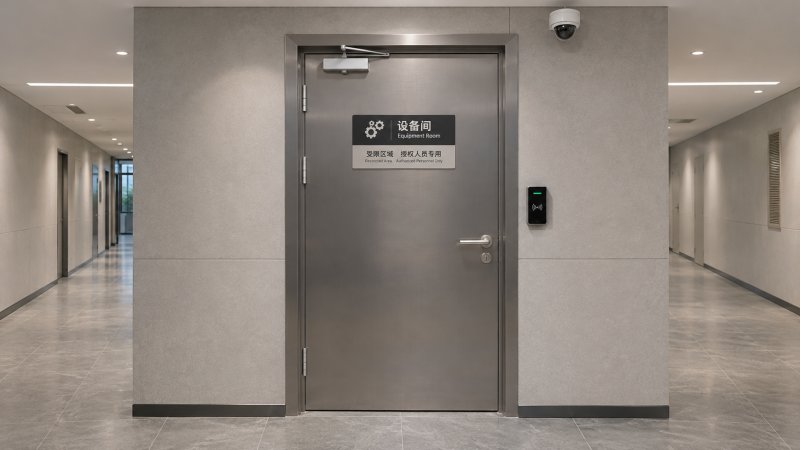
Begin by separating the doors that need identity verification from the doors that simply need controlled passage. A main employee entrance at a predictable morning peak has different requirements from a side door used occasionally by staff, a reception-controlled visitor door, or a data-room vestibule. Applying the same reader placement and authentication policy to all of them often creates unnecessary friction. High-throughput entrances need rapid, intuitive passage; higher-security rooms may justify a slower, more deliberate sequence with an additional credential or PIN.
Map the entry flow before choosing the lane design
Walk the site at the times when queues are most likely: morning arrival, lunch return, shift change, scheduled meetings, and building evacuation drills. Record where people form lines, where they pause to badge in, whether doors are held open, and whether people converge from lifts, parking areas, or stairwells. The useful measure is not only the number of people entering each day. It is the short interval in which a large group reaches the same controlled opening.
Door geometry often determines whether facial recognition feels effortless or awkward. A reader aimed at an approach path rather than a fixed standing point needs enough detection range and field of view to acquire a face while the person is still moving. A narrow corridor can keep people aligned with the camera, while a wide lobby permits diagonal approaches and side-by-side arrivals. In the latter setting, a recognition zone that is too broad can associate the wrong face with the person nearest the door, and a zone that is too narrow can cause people to stop, turn, and retry.
Physical obstacles deserve equal attention. Glass reflections, low morning sun, backlighting from a street-facing entrance, polished stone floors, revolving-door lighting transitions, and temporary signage can affect face capture even when the camera itself is functioning correctly. A reader mounted above a door may suit one location but perform poorly where visitors approach from below a ramp or where tall and short users occupy very different positions in the frame. Review the intended mounting height, approach distance, camera angle, nearby light sources, and the background behind each face.
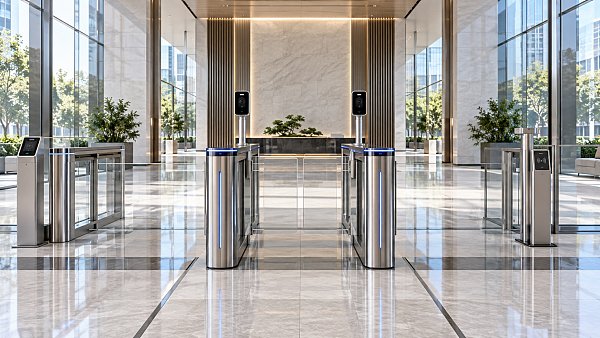
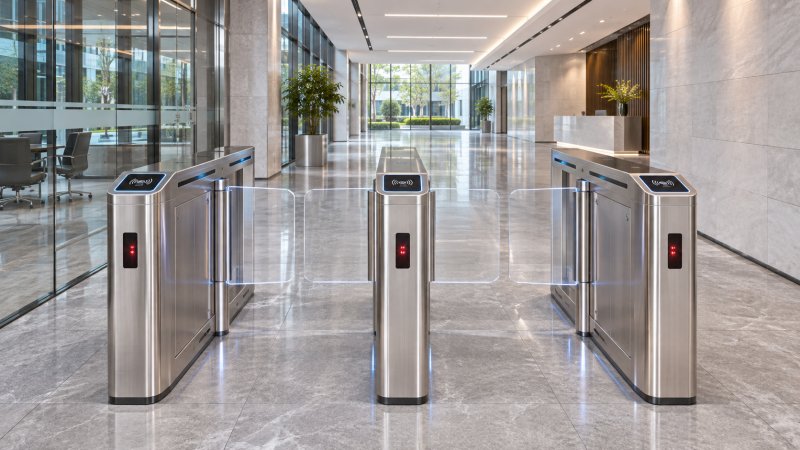
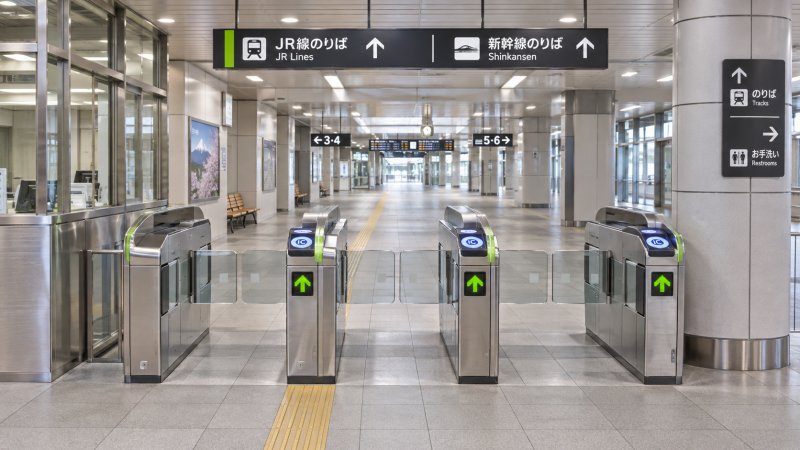
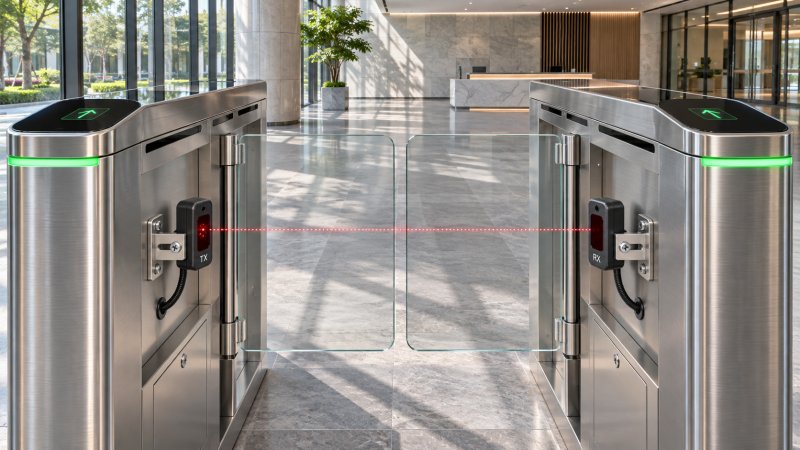
Where a turnstile or speed gate is used, align the recognition event with the lane logic. The access controller should receive a verified identity before the barrier opens, while safety sensors retain authority over closing behavior. A facial reader should not be treated as a substitute for infrared presence detection, obstacle detection, or emergency release. Recognition decides authorization; the barrier system still has to manage passage safely and prevent a closing wing from reacting unpredictably to a second person.
Define what a successful transaction looks like
A system can report a high recognition rate and still create poor entry conditions if failed attempts take too long to resolve. Define the transaction from approach to passage: the reader detects a face, performs liveness evaluation, matches the enrolled template, checks current access rights, sends a decision to the door controller, records the event, and releases the lock or gate. Each handoff has a timeout, network dependency, and possible failure mode.
Set acceptance criteria around observed behavior rather than vague expectations. For example, determine whether the system should recognize a walking employee before they reach the door, whether people should be able to use their normal prescription glasses, and how long a rejected transaction may remain on screen before the person is directed to an alternate method. Also define whether a face match alone is appropriate at each opening. A building lobby may use facial recognition as a convenience factor paired with a valid access record, while a restricted room may require a physical credential, mobile credential, or another factor after a successful face match.
Liveness settings require careful tuning. Tight anti-spoofing controls can reduce the chance that a photograph, video, or presentation attack is accepted, but excessive sensitivity may reject valid users in strong sunlight, low light, or when the face is partly obscured. A lower liveness threshold can improve convenience while weakening the assurance level. The appropriate balance changes by door type, asset sensitivity, supervision, and the availability of other controls such as security staff, turnstiles, door position monitoring, and intrusion alarms.
Separate recognition failures from access failures
Employees often describe every rejection as “the face reader did not work,” but the cause may lie elsewhere. A reader can recognize a person correctly while the access platform denies entry because the schedule has expired, the credential record is inactive, the door is in a locked-down state, or a networked controller is unavailable. Conversely, the controller may be ready to unlock but the facial reader may fail to acquire a usable image because of lighting, pose, or enrollment quality.
Logs should retain enough detail to distinguish these events without exposing more personal information than the operating process requires. Track the device, door, event time, transaction outcome, controller response, and operational status. Where supported, record categorized causes such as no face detected, liveness rejected, no template match, match accepted but access denied, door forced, or door held open. This distinction directs maintenance correctly: repositioning a camera will not fix a time schedule error, and changing permission groups will not correct glare at the entrance.
Use the existing access control system as the authority
Facial recognition access should fit within the existing identity and door-control model rather than create a parallel list of people and permissions. The access control system should remain the source for authorization rules, door schedules, revoked credentials, anti-passback where used, and emergency modes. The facial component supplies an identity assertion or an associated credential reference. This arrangement makes onboarding and offboarding more consistent and reduces the risk that a person removed from one system remains active in another.
Confirm the integration method early. Some readers communicate directly with a controller through a credential interface; others depend on a management server, edge gateway, or cloud service. The architecture affects latency, resilience, cybersecurity review, cabling, VLAN design, firewall rules, and recovery behavior during a network outage. A reader that requires a remote service for each match may be acceptable at a low-risk internal door but needs a documented continuity plan at a primary entry point.
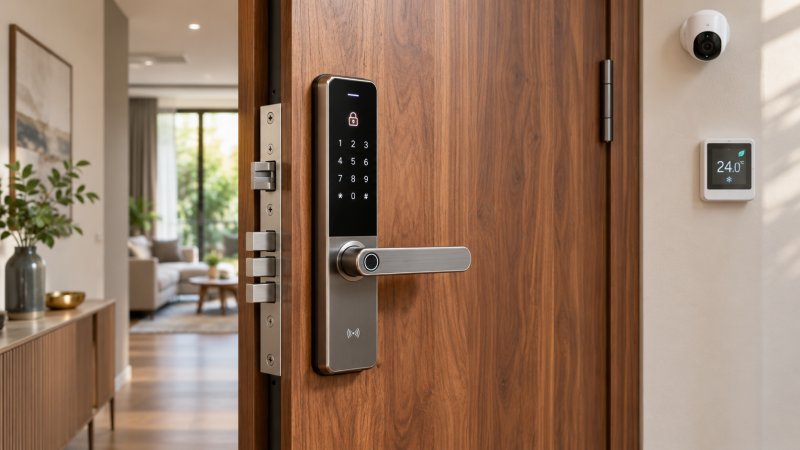
Power and door hardware must also be reviewed as a single chain. Determine whether the door uses an electric strike, electromagnetic lock, motorized lock, or gate operator; confirm the lock voltage, current draw, relay rating, emergency release arrangement, request-to-exit device, door contact, and fire alarm interface. Replacing a badge reader with a facial reader does not correct a weak door closer, a misaligned strike, or a latch that intermittently binds. Those mechanical faults will appear to users as access failures because the door does not open even after authorization.
Design enrollment as an operational process
Enrollment quality has a direct effect on daily entry. A rushed photo capture under poor lighting or from a badly positioned mobile camera can create a template that looks acceptable in a profile screen but performs inconsistently at the installed door. Use an enrollment method that captures the face in conditions relevant to the deployed reader, verifies that the correct identity record is selected, and confirms successful authentication before the person relies on facial access.
Enrollment should not be scheduled as a single mass event immediately before go-live. Stagger sessions by department or floor, allow time for retries, and retain the current credential method throughout the transition. This avoids a situation where a large group arrives on the first morning and discovers that several records are incomplete, duplicate, incorrectly linked, or excluded from the access group for their normal entrance.
Plan for appearance changes without treating every variation as an exception. Glasses, facial hair, makeup, hair changes, religious head coverings, masks used for health or task-specific reasons, and seasonal clothing can affect recognition differently depending on the sensor and matching configuration. The process should state when a re-enrollment is appropriate and when an alternate credential is the normal route. Re-enrollment must include identity verification; otherwise, a convenience task becomes an identity-assurance gap.
Template governance belongs in the rollout plan. Establish where biometric templates are stored, which system components process them, who can initiate enrollment or deletion, and how records are removed when access ends. Limit administrative access, use named accounts rather than shared credentials, and keep a traceable approval path for changes to access rights. Before collection begins, ensure that the notices, consent or other lawful basis process, retention approach, and local privacy requirements have been reviewed by the appropriate internal functions. A technically sound reader does not resolve a weak data-handling process.
Keep visitors and exceptions out of the main lane
Visitors should not be enrolled ad hoc at the employee entrance simply because the facial reader is present. Their identity verification, host notification, badge issue, escort status, and access duration are separate decisions. Reception can use a temporary credential or a staffed release process, while a turnstile lane remains available for enrolled employees. This prevents a visitor with no matching record from repeatedly attempting access and delaying everyone behind them.
Exceptions need a visible but controlled route. People whose face is not recognized should not have to tailgate, wait for someone to hold a door, or search for an undocumented support number. Provide a fallback method that fits the security level: existing card, mobile credential, reception release, intercom verification, or supervised secondary door. The fallback should be quick enough to protect traffic flow but logged clearly enough to identify recurring faults, lost credentials, or attempted misuse.
Do not remove badges on the first day that facial recognition is enabled. A parallel period reveals installation issues that are hard to predict from bench testing: a direct sun angle that occurs only in the morning, a queue that forms after a lift arrival, a reader that loses faces when umbrellas enter the frame, or a controller response delay under normal event volume. Run the new method in observation mode where feasible, compare it with the established credential path, then move doors gradually into the intended operating policy.
Commission against real traffic, not a quiet demonstration
Factory acceptance and installation checks are useful, but site commissioning should include realistic movement. Test normal walking pace, close following, people carrying laptops or boxes, varied heights, changing daylight, low evening illumination, and the point where the entrance transitions from outdoor to indoor light. Test both the earliest arrival and the late-arriving person in a queue, because the second condition exposes whether the camera continues to acquire faces cleanly when the lane is occupied.
Include access denial and fault scenarios in the test script. Verify an inactive identity, an expired access schedule, a person with no enrollment, a failed liveness event, network loss, power restoration, controller restart, door held open, emergency unlock, and use of the fallback credential. The desired behavior is not necessarily identical in every case, but it must be intentional, documented, and understandable to the people managing the entrance.
During the first operating period, review the failures by location and time rather than only by total count. A repeated issue at one doorway near sunrise points toward illumination or placement. Failures associated with a particular enrollment batch suggest capture quality or identity linking. Delays across several doors after a software update may indicate a service, database, or network issue. Correcting the underlying pattern is more effective than repeatedly adjusting a global match threshold.
A calm rollout depends on preserving movement when technology disagrees with a person’s face, credential, or access status. When the lane design, door hardware, enrollment process, authorization integration, and fallback path are planned together, facial recognition becomes part of a predictable entry routine rather than a new obstacle at the door.
Have questions about this sector analysis, or seeking best practices specific to your niche? Drop us a line below and let the senior consultants at MHLS assist you.
We respect your privacy. Your information is strictly confidential.
Recommended News
 Physical Security System Engineering: From Risk Assessment to System DesignUnmanned Terminal FellowExplore physical security system engineering, from risk assessment to integrated design, procurement and testing. Build a safer, more resilient facility.
 Apple Home Collection Smart Lock and Other Accessories Open for Preorder November 13Biometric Auth ScientistApple Home Collection preorders open November 13, 2026. Explore the LG smart lock’s Matter and Aliro support and what buyers should verify before ordering.
 Choosing Servo-Driven Flap Barriers: Throughput, Safety and Access ControlAccess Control StrategistServo-driven flap barriers can balance throughput, safety and access control. Discover how to compare lanes, test performance and choose with confidence.
 Parcel Locker Network Pricing: Setup Costs, Fees and Contract TermsUnmanned Terminal FellowCompare parcel locker networks pricing, from setup costs and recurring fees to contract terms. Discover hidden charges and choose the right model.
 JR East Plans UWB Walk-Through Gates at 40 Stations in Spring 2028Access Control StrategistJR East plans UWB walk-through gates at 40 stations in spring 2028. Explore the rollout timeline and what suppliers should watch.
 Bank Vault Security Standards: UL and EN Ratings ExplainedVault Structural ArchitectExplore bank vault security standards and learn how UL 608 classes and EN 1143-1 grades differ, what they test, and how to verify certification before you buy.
 Mechanical Lock Hardware Prices: What Buyers Should Budget for Bulk OrdersMr. Gideon CrossMechanical lock hardware price is just the starting point. Discover what drives bulk-order costs and how to compare supplier quotes with confidence.
 IndexBox Forecasts Steady Global Security Keypad Market Growth Through 2035Dr. Valerius ThorneGlobal security keypad market growth is forecast at 3.3% annually through 2035. Explore the smart home and replacement trends shaping demand.
 Choosing an Infrared Safety Sensors Manufacturer: What Buyers Should CheckUnmanned Terminal FellowChoosing an infrared safety sensors manufacturer? Compare safety evidence, integration, environmental performance and lifecycle costs before you buy.
 Choosing a Security Material Testing Service: What to Check for Lock and Safe MaterialsProf. Elara SterlingChoose a security material testing service with confidence. Learn what to check for lock and safe materials, from attack methods and accreditation to reliable reports.
 How Precision Anti-Pick Lock Cylinders Resist ManipulationSecurity Metallurgy ExpertDiscover how precision anti-pick lock technology resists manipulation, and learn what to check when comparing security features, test evidence, and everyday reliability.
 Dermalog Joins NIST FastCAP Program for Contactless Fingerprint TestingProf. Elara SterlingDermalog joins the NIST FastCAP program for contactless fingerprint testing. Discover what this means for biometric identification and digital identity.