Secure Access Control Systems for Offices: Key Features, Risks, and Setup Priorities
Why Secure Access Control Systems Matter More in Offices Today
Secure access control systems have moved from optional upgrades to core business infrastructure in many offices.
That shift is driven by rising security threats, hybrid work patterns, and tighter compliance expectations.
A simple lock-and-key model no longer supports modern office traffic, layered permissions, or audit needs.
In practice, offices now manage employees, contractors, visitors, delivery staff, and shared service teams every day.
Each group needs different entry rights, time windows, and security rules.
This is where secure access control systems create clear operational value, not just physical protection.
They help control who enters, when they enter, and what spaces they can reach.
They also create a reliable event trail for investigations, safety reviews, and internal accountability.
From a business angle, the real goal is balance.
Offices need strong protection without slowing employee movement or creating friction for approved visitors.
Well-designed secure access control systems support both security and daily efficiency.
That makes selection and setup decisions much more important than many buyers first assume.
Key Features to Look for in Secure Access Control Systems
Not all secure access control systems are built for the same office risks or traffic patterns.
The right feature set depends on building size, user volume, sensitive areas, and integration goals.
Still, several capabilities should be considered baseline requirements.
Identity Verification Options
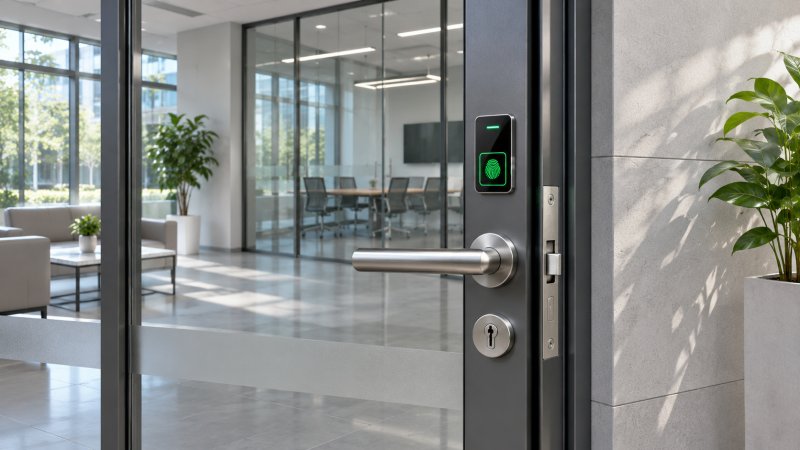
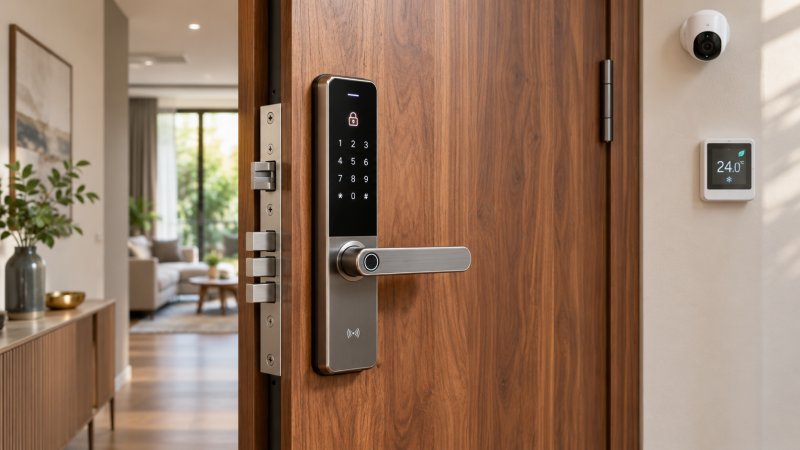
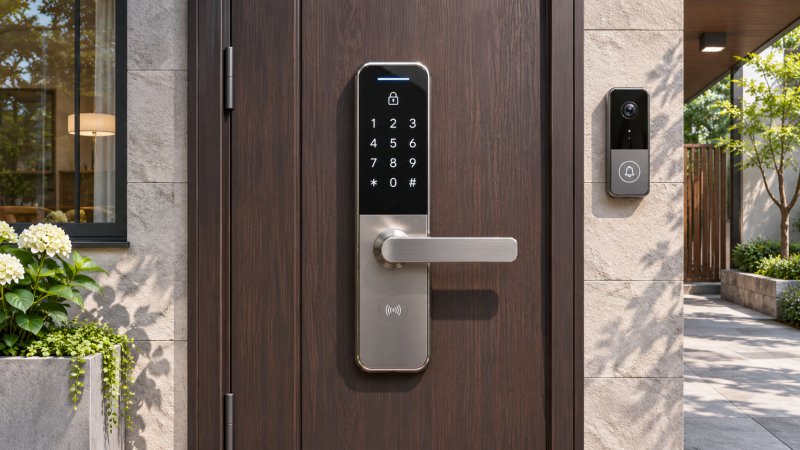
Cards, mobile credentials, PINs, fingerprint readers, and facial recognition all serve different needs.
For many offices, multi-factor verification offers a stronger defense than one credential alone.
Biometric options can reduce sharing risk, but only if liveness detection and spoof resistance are strong.
Role-Based Permissions
Secure access control systems should let administrators assign permissions by role, shift, department, or site.
This limits unnecessary access and reduces damage when a credential is lost or misused.
Real-Time Monitoring and Audit Trails
A useful system does more than unlock doors.
It records events in real time, flags unusual activity, and supports clear reporting.
That matters during disputes, internal investigations, and regulatory reviews.
Integration with Broader Security Infrastructure
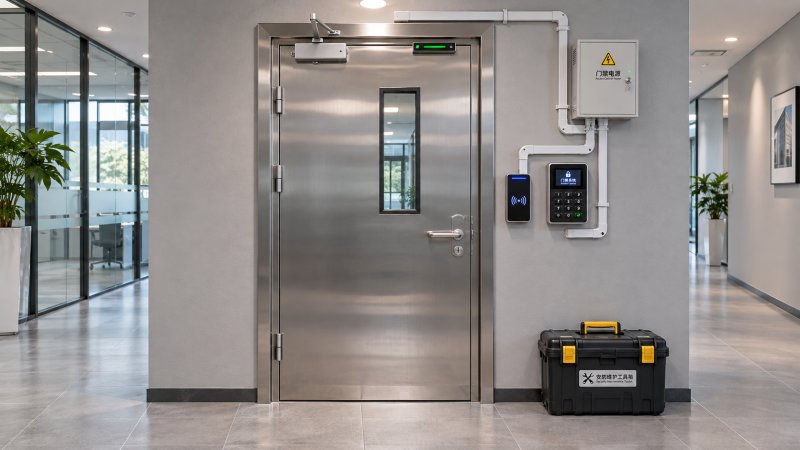
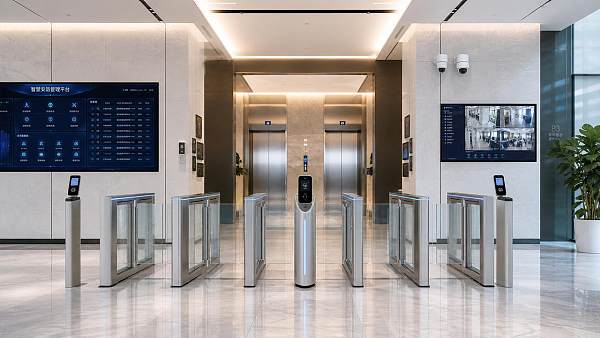
The best secure access control systems connect with video surveillance, visitor management, alarms, and turnstiles.
They may also link to elevator control, parking access, and emergency lockdown workflows.
This creates a more complete operating picture and reduces blind spots between systems.
Common Risks When Office Access Control Is Poorly Planned
Many deployment problems begin before hardware is installed.
The issue is often poor planning, not poor technology.
Understanding these risks helps avoid expensive redesigns and security gaps.
Over-Permissioned Access
One common mistake is giving broad access to simplify administration.
That may feel convenient, but it expands insider risk and weakens accountability.
Weak Credential Management
Lost cards, shared PINs, and inactive accounts are still major weaknesses in office environments.
Secure access control systems need strict enrollment, revocation, and review processes.
Ignoring Tailgating and Physical Bypass
A strong reader does little if unauthorized people can walk in behind approved users.
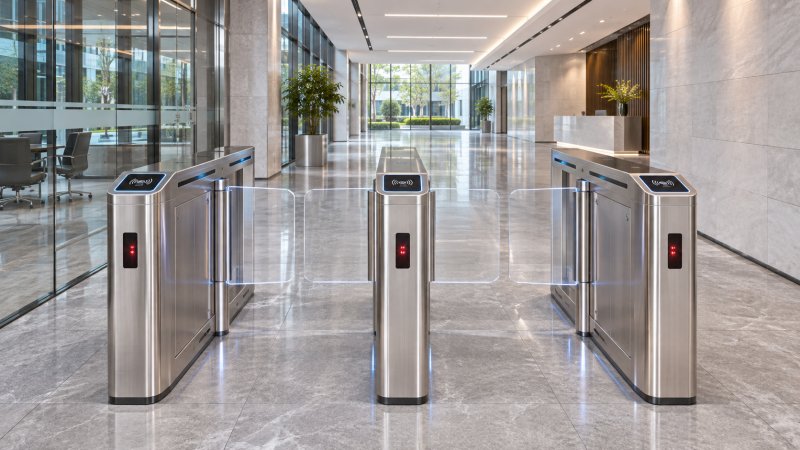
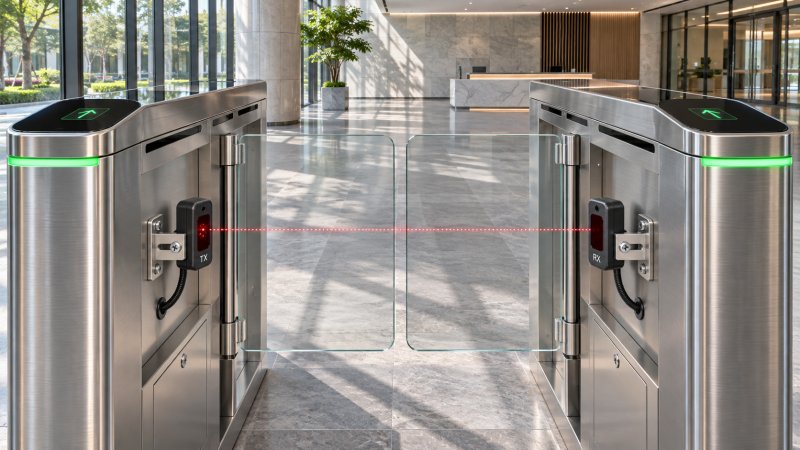
High-traffic offices should assess anti-tailgating turnstiles, speed gates, or monitored entry lanes.
Poor System Resilience
Power loss, network failure, and controller downtime can quickly disrupt normal office operations.
That is why backup power, secure fail modes, and local decision capability matter.
Privacy and Compliance Gaps
Biometric and entry data create legal and governance responsibilities.
If storage, consent, retention, or access rights are unclear, risk increases fast.
For that reason, secure access control systems should be reviewed with compliance teams early.
Setup Priorities That Improve Security and Daily Operations
A successful rollout starts with priorities, not product brochures.
The best secure access control systems are matched to actual business flows and risk zones.
These setup priorities usually deliver the biggest gains first.
1. Map Entry Points and Sensitive Spaces
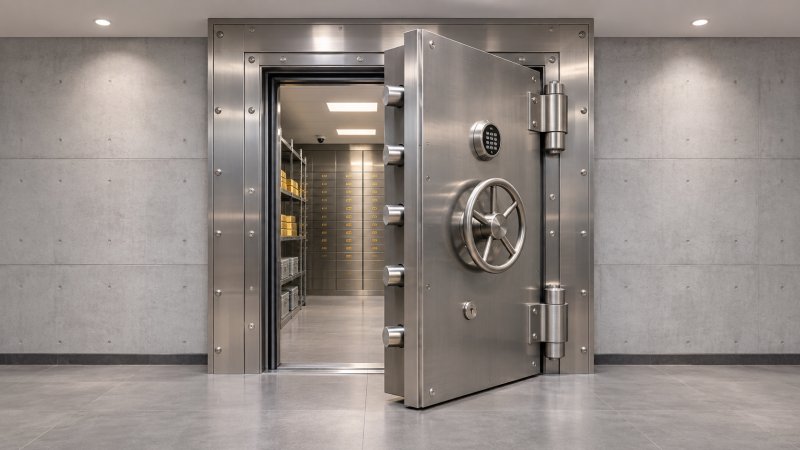
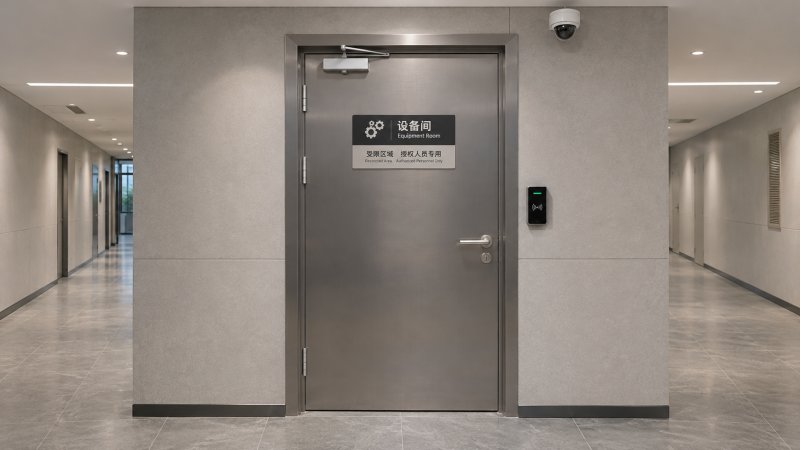
Start with a full map of perimeter doors, internal zones, server rooms, records storage, and executive areas.
This helps define where higher assurance controls are actually needed.
2. Define User Groups and Access Rules
Employees, temporary staff, visitors, cleaners, and contractors should not share the same permissions.
Time-based policies are especially useful for after-hours control.
3. Choose Credentials Based on Risk and Convenience
Low-risk internal doors may only need mobile or card credentials.
Sensitive rooms may justify biometrics or dual authentication.
4. Plan for Integration Early
If video, visitor systems, or speed gates will be added later, confirm compatibility before buying.
This avoids fragmented architecture and duplicate costs.
5. Build for Continuity and Growth
Office needs change with expansion, relocation, and workforce shifts.
Secure access control systems should scale across new doors, sites, and user populations without full replacement.
That long-term view often separates smart investment from short-term procurement.
Practical Evaluation Checklist Before You Buy
Before selecting secure access control systems, compare options against a practical checklist.
This keeps the decision grounded in real deployment needs.
- Does the system support layered access by role, time, location, and risk level?
- Can it integrate with surveillance, alarms, turnstiles, and visitor workflows?
- How does it handle lost credentials, remote revocation, and urgent lockdown events?
- What protections exist for biometric data, user privacy, and audit integrity?
- Will it keep operating safely during network outages or power interruptions?
- Can administrators manage multiple sites without excessive manual effort?
- Is the hardware durable enough for traffic intensity, door type, and environmental conditions?
Comparison View for Office Deployment
A Smarter Path to Office Security
Choosing secure access control systems is not only about buying readers, locks, or software licenses.
It is about aligning office security with business continuity, user movement, and future growth.
The strongest results usually come from clear zoning, disciplined permissions, resilient infrastructure, and thoughtful integration.
When secure access control systems are planned this way, they reduce risk while supporting a smoother workplace experience.
That is the practical priority: protect people, control movement, preserve evidence, and stay ready for change.
A useful next step is to review your current office entry points, high-value spaces, and credential policies before comparing vendors.
Have questions about this sector analysis, or seeking best practices specific to your niche? Drop us a line below and let the senior consultants at MHLS assist you.
We respect your privacy. Your information is strictly confidential.
Recommended News
 Physical Security Infrastructure Cost: Budgeting for Installation and MaintenanceUnmanned Terminal FellowUnderstand physical security infrastructure cost and build a smarter budget for installation, maintenance, and long-term ownership.
 Financial Facility Security: Choosing Vault Doors for Bank BranchesVault Structural ArchitectStrengthen financial facility security with the right bank vault door. Explore certification, installation, locking controls and maintenance before you buy.
 MACO Acquires Majority Stake in Fingerprint Access Provider ekeyProf. Elara SterlingMACO acquires a majority stake in ekey, bringing fingerprint access and door hardware closer together. Discover what the deal could mean for smart buildings.
 Physical Security System Engineering: From Risk Assessment to System DesignUnmanned Terminal FellowExplore physical security system engineering, from risk assessment to integrated design, procurement and testing. Build a safer, more resilient facility.
 Apple Home Collection Smart Lock and Other Accessories Open for Preorder November 13Biometric Auth ScientistApple Home Collection preorders open November 13, 2026. Explore the LG smart lock’s Matter and Aliro support and what buyers should verify before ordering.
 Choosing Servo-Driven Flap Barriers: Throughput, Safety and Access ControlAccess Control StrategistServo-driven flap barriers can balance throughput, safety and access control. Discover how to compare lanes, test performance and choose with confidence.
 Parcel Locker Network Pricing: Setup Costs, Fees and Contract TermsUnmanned Terminal FellowCompare parcel locker networks pricing, from setup costs and recurring fees to contract terms. Discover hidden charges and choose the right model.
 JR East Plans UWB Walk-Through Gates at 40 Stations in Spring 2028Access Control StrategistJR East plans UWB walk-through gates at 40 stations in spring 2028. Explore the rollout timeline and what suppliers should watch.
 Bank Vault Security Standards: UL and EN Ratings ExplainedVault Structural ArchitectExplore bank vault security standards and learn how UL 608 classes and EN 1143-1 grades differ, what they test, and how to verify certification before you buy.
 Mechanical Lock Hardware Prices: What Buyers Should Budget for Bulk OrdersMr. Gideon CrossMechanical lock hardware price is just the starting point. Discover what drives bulk-order costs and how to compare supplier quotes with confidence.
 IndexBox Forecasts Steady Global Security Keypad Market Growth Through 2035Dr. Valerius ThorneGlobal security keypad market growth is forecast at 3.3% annually through 2035. Explore the smart home and replacement trends shaping demand.
 Choosing an Infrared Safety Sensors Manufacturer: What Buyers Should CheckUnmanned Terminal FellowChoosing an infrared safety sensors manufacturer? Compare safety evidence, integration, environmental performance and lifecycle costs before you buy.