How to Evaluate Cloud Smart Building Access Control for Multi-Site Property Management
How to Evaluate Cloud Smart Building Access Control for Multi-Site Property Management
Managing access across multiple properties is no longer just about opening doors. For project managers, the real issue is whether one platform can give clean control over staff, contractors, tenants, visitors, and service teams without creating new blind spots. Cloud smart building access control can do that well, but only if the evaluation goes beyond app screenshots and headline features. In multi-site property management, the wrong choice usually shows up later: inconsistent permissions, difficult rollouts, weak audit trails, poor elevator integration, or hardware that works fine in a demo and turns unstable in the field.
If you are comparing systems, treat the process like a deployment review, not a software purchase. The best checklist is practical: what will break under daily use, what will slow your team down, and what will be expensive to unwind after 12 months.
Start with the portfolio, not the product demo
A common mistake is evaluating cloud smart building access control as if every site were the same. They are not. A downtown office tower, a residential complex, a mixed-use development, and a logistics-linked asset can all sit under one property group, but their access patterns are very different.
Before comparing vendors, map the estate in plain operational terms:
- How many sites, buildings, entrances, parking gates, lift controls, turnstiles, and restricted rooms are involved.
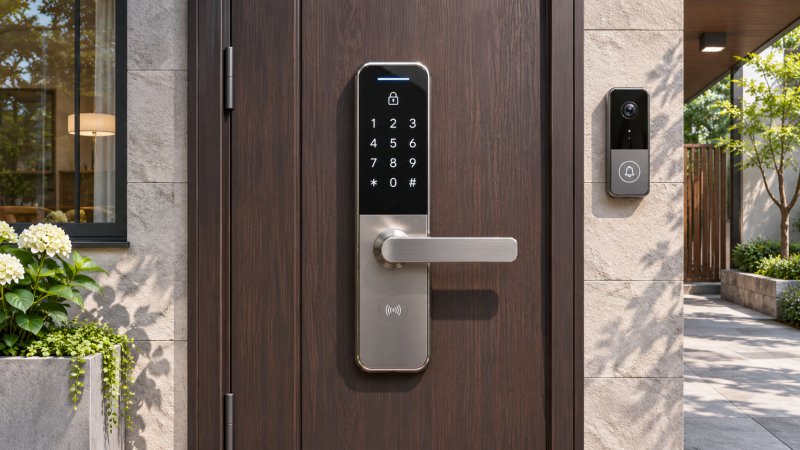
- Which credentials are in use today: cards, mobile credentials, PINs, intercom release, biometrics, or a mix.
- Whether each site is staffed, partially staffed, or effectively remote.
- Which user groups change frequently, such as cleaners, contractors, rotating tenants, delivery teams, and temporary workers.
- Whether the project requires phased migration from legacy controllers and readers.
If a vendor cannot model your portfolio structure clearly in the early stage, that is already useful information. Multi-site management lives or dies on hierarchy, delegation, and consistency.
Check whether administration is truly centralized
Many systems say “centralized,” but what they really mean is that you can log in from a browser. That is not enough. You need to test whether one operations team can actually manage multiple properties without creating local workarounds.
Look closely at these points:
- Can you create role templates once and apply them across sites?
- Can regional managers control their own buildings without seeing unrelated sites?
- Can access groups be time-bound automatically for contractors and visitors?
- Can the platform show a single event view across the whole estate when investigating incidents?
This is where cloud architecture should save labor. If your team still needs spreadsheet-based permission tracking, repeated local configuration, or manual card revocation by site, the cloud layer is not solving the operational problem.
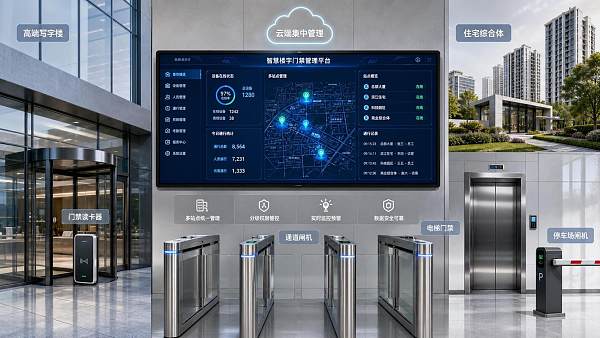
Do not separate software scoring from door-side reality
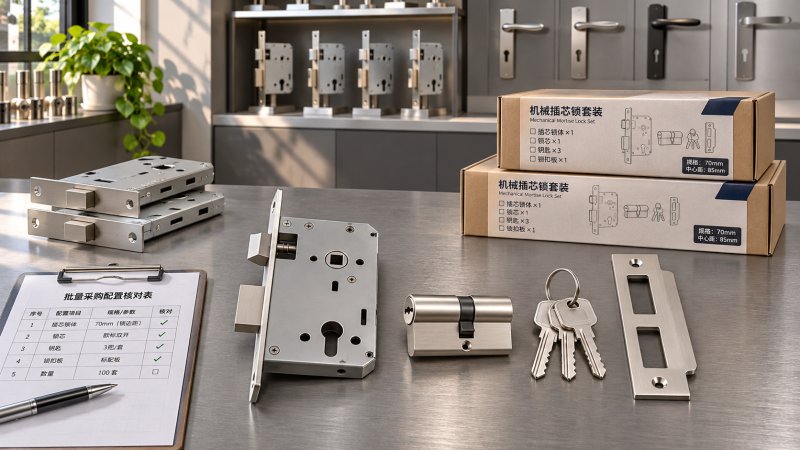
Project teams sometimes over-focus on dashboards and mobile apps. In practice, readers, controllers, locks, electric strikes, door position sensors, request-to-exit devices, and power supplies decide whether the system performs reliably.
Ask direct questions about field conditions. Can the system support exterior doors exposed to temperature swings? What happens when network connectivity drops? Which decisions are made at the edge controller, and which depend on the cloud connection? A solid multi-site system should not turn every temporary internet outage into a door access problem.
For retrofits, compatibility matters even more. If you are inheriting mixed hardware from prior projects, confirm exactly which readers, credentials, lock interfaces, and controller types are supported. “Integrates with third-party hardware” is too vague to accept at face value.
Evaluate identity flow, not just credential types
Cards, mobile access, QR visitor passes, and biometrics all have their place. The better question is how identities are issued, updated, suspended, and removed across the property portfolio.
For project managers, the risk is usually not that a credential format is outdated. The risk is that identity lifecycle management is fragmented. Someone leaves a contractor role at Site A but still has active rights at Site C. A tenant changeover happens, but common area permissions remain in place. A building app issues mobile access, yet the security team cannot audit who approved it.
During evaluation, walk through these real events with the vendor:
- New tenant onboarding across several entrances and shared amenities.
- Emergency revocation for a dismissed employee or banned visitor.
- Temporary weekend access for fit-out contractors.
- Bulk credential updates after an organizational restructure.
If the workflow takes too many screens, too many approvals, or too much local intervention, it will be painful at scale.
Integration is where good proposals often become bad projects
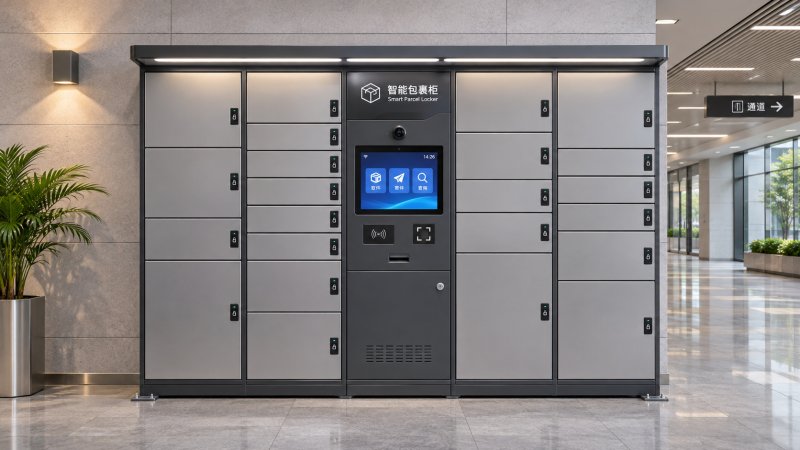
In multi-site property management, access control rarely works alone. It usually needs to connect with video management, visitor systems, elevators, intercoms, building management systems, HR data, tenant apps, parking, and sometimes smart parcel locker or amenity booking workflows.
This is not just an IT checkbox. It changes procurement risk. A platform with weak integration options can force your team into duplicated data entry and inconsistent user records, especially when multiple sites operate under different local procedures.
If the vendor says an integration is possible, ask whether it is native, API-based, middleware-dependent, or custom work. Those are very different implementation paths.
Security claims need plain answers
Because this is cloud-connected physical security, you need to look at both cyber and operational resilience. A surprising number of buying teams ask broad security questions and receive polished but unhelpful replies.
Keep the questions specific. Where is data hosted? How are credentials protected in transit and at rest? What logging is available for admin actions? Can you enforce MFA for operators? How are firmware updates handled for field devices? What is the process for vulnerability disclosure and patching? If the project spans regions, also check whether data residency requirements or contractual controls apply in your market. Those details vary and should be confirmed against current legal and customer requirements rather than assumed.
For biometric-enabled access, be even more careful. Data handling, consent, storage architecture, and local regulatory expectations differ widely by jurisdiction. If the vendor cannot explain the biometric data model clearly, pause there.
Insist on a failure-mode review
This part is often skipped during procurement and regretted during commissioning. Ask the vendor and integrator to walk through failure conditions in detail: power loss, WAN outage, controller failure, reader failure, tenant database sync failure, and emergency unlock scenarios.
Project managers should pay attention to site recovery, not just fault detection. Who gets alerted? How quickly can local teams continue operations? Are offline access rules configurable? Are critical doors fail-safe or fail-secure by design, and does that match the life safety plan? This must line up with fire, egress, and local code requirements, which should always be validated with the responsible design and compliance parties on the project.
Watch the licensing model before it surprises your budget
Cloud access control is often easier to approve at the start because the capital expense looks lower. The catch is long-term structure. Licensing can be per door, per site, per credential, per admin user, or tied to modules such as visitor management, video linkage, or mobile credentials.
Do not review cost only against today’s footprint. Model the next three likely scenarios: adding buildings, increasing temporary users, and turning on integrations later. If the platform becomes expensive every time you expand, the procurement decision will age badly.
Also check who owns what at contract end. Data export, credential portability, event history access, and hardware reuse are not trivial details.
Pilot the ugliest site, not the easiest one
When buyers run a pilot in the cleanest, newest building, they learn almost nothing. The better test site is the one with mixed traffic, legacy constraints, tenant sensitivity, and remote support needs. That is where weaknesses show up.
A useful pilot should verify:
- Provisioning speed for new users
- Remote troubleshooting quality
- Event visibility across central and local teams
- Door hardware reliability under actual traffic
- Reporting quality for audits and incident review
Make the pilot pass or fail on measurable tasks, not general user satisfaction.
What usually separates a workable choice from a costly one
In the end, the better cloud smart building access control platform is usually not the one with the longest feature list. It is the one that stays coherent across sites: clear permission logic, dependable hardware behavior, usable audit trails, realistic integration paths, and predictable scaling costs.
If you are leading selection for a multi-site portfolio, keep the review grounded in operations. Ask the vendor to prove how the system handles exceptions, turnover, outages, and mixed-building realities. That is where the decision gets made. Everything else is sales material.
Have questions about this sector analysis, or seeking best practices specific to your niche? Drop us a line below and let the senior consultants at MHLS assist you.
We respect your privacy. Your information is strictly confidential.
Recommended News
 Parcel Locker Network Pricing: Setup Costs, Fees and Contract TermsUnmanned Terminal FellowCompare parcel locker networks pricing, from setup costs and recurring fees to contract terms. Discover hidden charges and choose the right model.
 JR East Plans UWB Walk-Through Gates at 40 Stations in Spring 2028Access Control StrategistJR East plans UWB walk-through gates at 40 stations in spring 2028. Explore the rollout timeline and what suppliers should watch.
 Bank Vault Security Standards: UL and EN Ratings ExplainedVault Structural ArchitectExplore bank vault security standards and learn how UL 608 classes and EN 1143-1 grades differ, what they test, and how to verify certification before you buy.
 Mechanical Lock Hardware Prices: What Buyers Should Budget for Bulk OrdersMr. Gideon CrossMechanical lock hardware price is just the starting point. Discover what drives bulk-order costs and how to compare supplier quotes with confidence.
 IndexBox Forecasts Steady Global Security Keypad Market Growth Through 2035Dr. Valerius ThorneGlobal security keypad market growth is forecast at 3.3% annually through 2035. Explore the smart home and replacement trends shaping demand.
 Choosing an Infrared Safety Sensors Manufacturer: What Buyers Should CheckUnmanned Terminal FellowChoosing an infrared safety sensors manufacturer? Compare safety evidence, integration, environmental performance and lifecycle costs before you buy.
 Choosing a Security Material Testing Service: What to Check for Lock and Safe MaterialsProf. Elara SterlingChoose a security material testing service with confidence. Learn what to check for lock and safe materials, from attack methods and accreditation to reliable reports.
 How Precision Anti-Pick Lock Cylinders Resist ManipulationSecurity Metallurgy ExpertDiscover how precision anti-pick lock technology resists manipulation, and learn what to check when comparing security features, test evidence, and everyday reliability.
 Dermalog Joins NIST FastCAP Program for Contactless Fingerprint TestingProf. Elara SterlingDermalog joins the NIST FastCAP program for contactless fingerprint testing. Discover what this means for biometric identification and digital identity.
 Choosing Security Export Compliance Services: What Providers Should CoverMr. Gideon CrossSecurity export compliance services can help prevent costly delays. Discover what to look for in classification, licensing, screening, and documentation.
 European Security Compliance Standards for Safes: EN 1143-1 vs EN 14450Dr. Valerius ThorneExplore security compliance standards Europe buyers need to know. Compare EN 1143-1 and EN 14450 to choose the right safe with confidence.
 HID Global Acquires inepro ID to Expand RFID and BLE Access SolutionsUnmanned Terminal FellowHID Global acquires inepro ID to expand RFID and BLE access solutions for printers, smart lockers and shared devices. Explore what the deal could mean for your organization.