Intelligent Security Devices for Offices: Which Systems Fit Access Control, Visitors, and Assets?
Why office security decisions start with real usage patterns

Choosing intelligent security devices for offices now goes far beyond replacing keys with cards or apps.
In daily operations, entrances, meeting floors, IT rooms, and storage areas face different threats, traffic loads, and accountability demands.
That is why intelligent security devices for offices should be matched to how people move, what assets are exposed, and which incidents would cause the most disruption.
A front lobby may need fast visitor throughput and anti-tailgating logic.
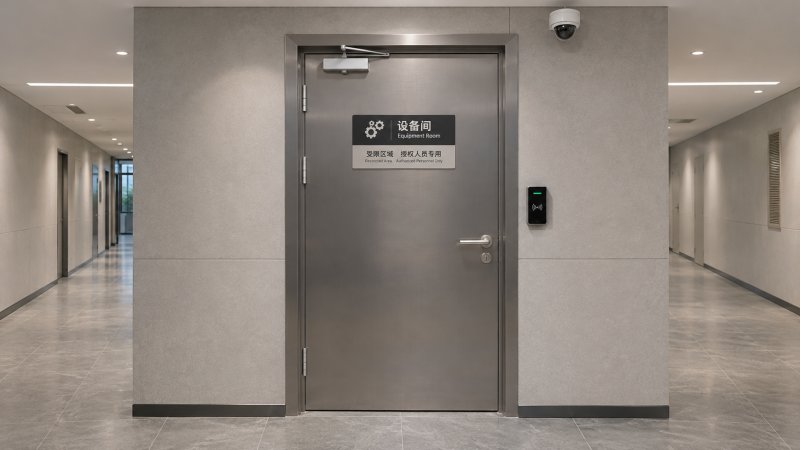
A finance room may need stronger door hardware, finer access records, and certified protection for physical records or valuables.
An office with hybrid schedules may care less about peak turnstile speed and more about flexible credential management.
This is also where a broader physical security view matters.
Office protection often combines biometric locks, mechanical cylinders, access control platforms, protective doors, speed gates, parcel lockers, and asset storage systems.
The strongest result usually comes from fitting each layer to the site, instead of forcing one device type across every zone.
The same office rarely has one security condition
Many sites look uniform on a floor plan, yet their security conditions are not the same.
Public-facing areas accept uncertainty.
Restricted spaces require identity certainty, event traceability, and stronger resistance against forced entry or internal misuse.
In practice, intelligent security devices for offices are judged by five variables.
- How many people pass through the area, and at what times.
- Whether users are employees, contractors, visitors, or delivery personnel.
- What assets, records, or systems sit behind the door or barrier.
- How much audit detail is needed after an incident.
- Which existing building systems must connect with the new devices.
When these variables are ignored, offices often buy advanced hardware that works poorly in context.
A biometric reader at a high-volume lobby may slow entry if enrollment is weak.
A simple smart lock on a records room may log access, yet still lack the mechanical strength needed for targeted intrusion.
At the main entrance, flow control matters as much as identity
Front entrances create the first real test for intelligent security devices for offices.
The issue is not only who gets in, but how smoothly legitimate users move during busy periods.
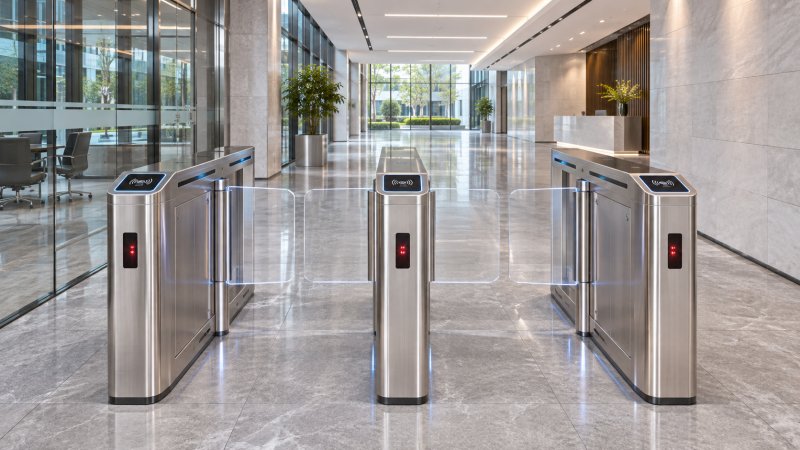
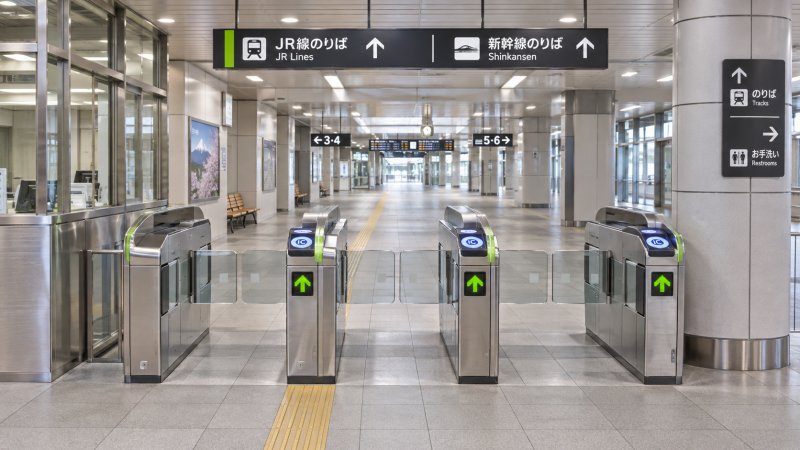
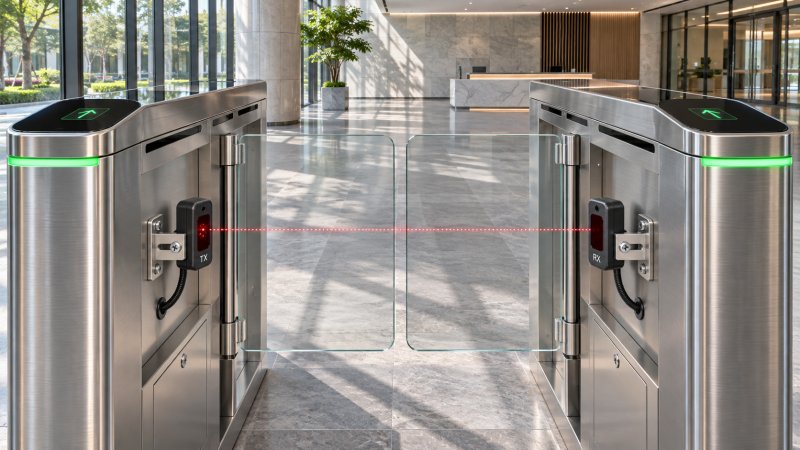
For offices with constant staff movement, speed gates or turnstiles linked to credentials can reduce unmanaged access without creating a checkpoint atmosphere.
Where tailgating risk is higher, infrared detection and passage logic deserve close attention.
The useful question is not whether a gate looks advanced.
It is whether the gate can maintain safety, detect abnormal passage, and recover cleanly after alarms or power events.
Sites with lower daily traffic may not need gate infrastructure at all.
A well-managed door with smart credentials, anti-passback rules, and reliable event logs can be more practical.
In this scenario, compatibility with elevator control, reception workflows, and emergency egress usually matters more than feature count.
Visitors change the logic of access control
Visitor management is where many offices underestimate complexity.
Employees can be enrolled once and governed by policy.
Visitors arrive with incomplete information, changing schedules, and varying escort requirements.
That makes temporary credentials, pre-registration, identity verification, and time-limited permissions central to intelligent security devices for offices.
In some buildings, the best fit is a digital visitor flow tied to reception and QR credentials.
In others, a staffed desk with badge printing and lane control is still the safer option.
The key distinction is whether visitors remain in supervised zones or move into mixed work areas.
Interior offices need flexible permissions, not just smart locks
Once inside the building, office security becomes less visible but more nuanced.
Shared workspaces, executive rooms, legal archives, and design studios do not require the same access model.
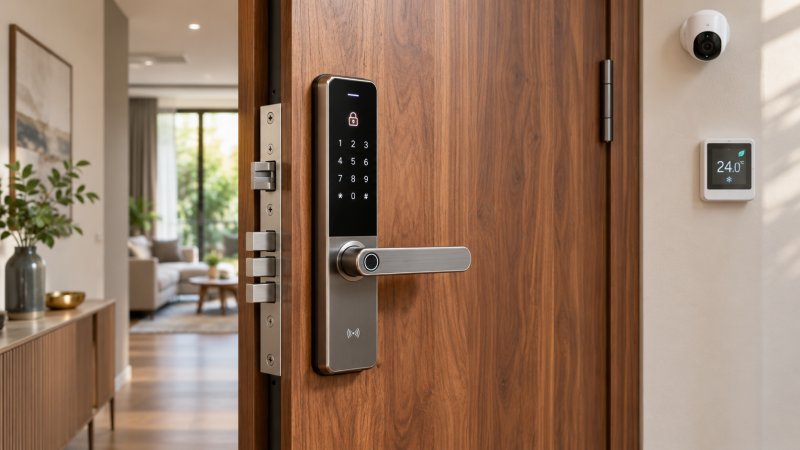
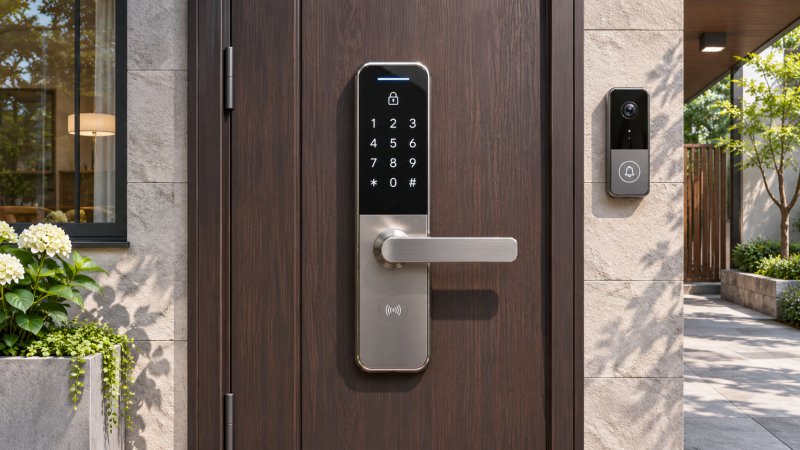
Biometric smart locks, mobile credentials, or electronic cylinders can work well here, especially when user groups change frequently.
Still, convenience should not hide the underlying requirement.
If a room holds confidential prototypes, signed contracts, or regulated records, the lock body, door structure, and override policy matter as much as the reader technology.
This is where mixed systems are often justified.
A biometric front end can reduce credential sharing.
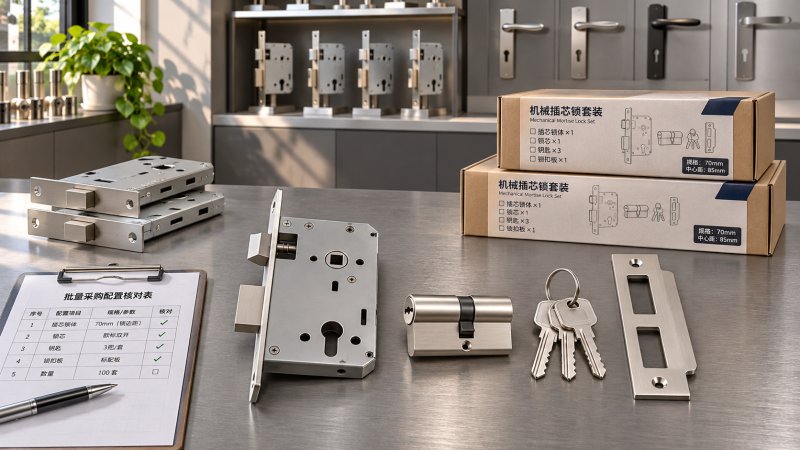
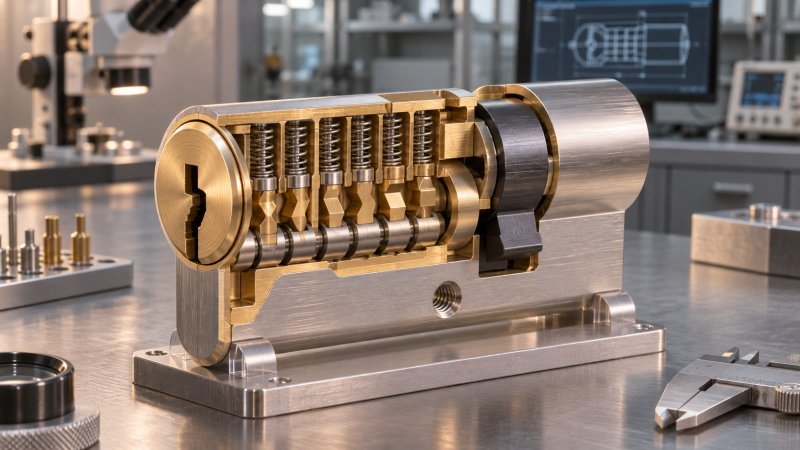
A stronger mechanical cylinder or reinforced protective door can address picking, drilling, or forced attack risk.
For offices evaluating intelligent security devices for offices, interior spaces should be grouped by consequence, not by department name.
Server rooms, records areas, and executive storage need a different threshold
Sensitive zones deserve a higher threshold because the impact of entry failure is disproportionate.
A small server room may contain the operational core of the entire office.
An executive storage area may hold cash, seals, backup media, or confidential agreements.
In these areas, intelligent security devices for offices should be selected as part of a protective assembly.
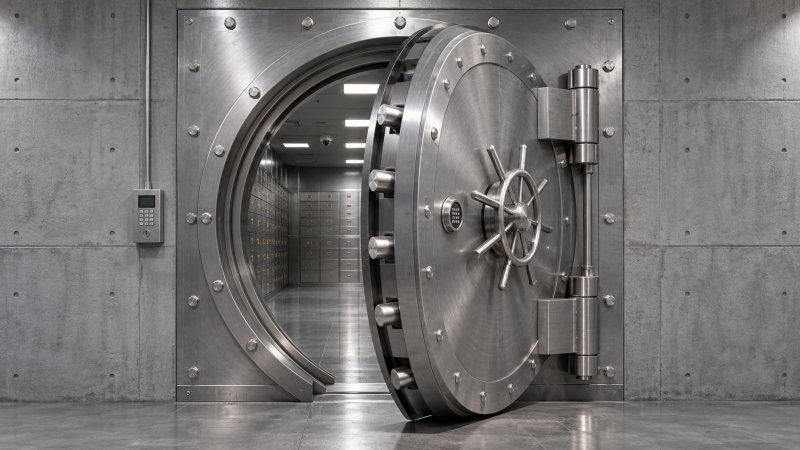
That assembly may include certified safes, burglary-resistant cabinets, anti-drill materials, stronger lock cases, and detailed access records.
The usual mistake is to assume digital control alone equals high security.
If the enclosure is weak, the event log only records that a breach happened.
It does not prevent it.
Where physical attack risk is real, resistance ratings, lock durability, and material structure should sit alongside software functions during evaluation.
A quick comparison makes office security choices clearer
The table below reflects how intelligent security devices for offices usually differ by operating context.
Some overlooked office scenarios sit outside the front door
Office deliveries, shared parcels, and internal handoffs are becoming a security issue of their own.
This is especially true in multi-tenant buildings or sites with frequent courier activity.
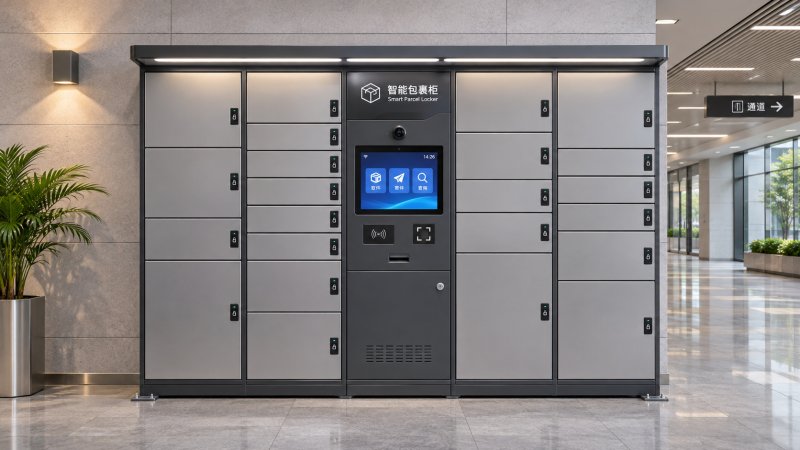
Here, intelligent security devices for offices may include smart parcel lockers or controlled delivery cabinets.
The value is not limited to convenience.
These systems create a traceable custody path, reduce package loss claims, and keep delivery personnel out of deeper office zones.
The right fit depends on network stability, locker lock reliability, and whether notifications, tenant assignment, or one-time retrieval codes are needed.
Where office projects often go wrong
Several misjudgments appear repeatedly when intelligent security devices for offices are selected too quickly.
- Looking at reader features while ignoring door strength, lock body quality, or cylinder resistance.
- Treating all internal rooms as low risk because they sit behind one controlled entrance.
- Comparing purchase price without counting enrollment effort, maintenance visits, and credential lifecycle costs.
- Overestimating biometrics where lighting, user behavior, or spoof-resistance settings are not well managed.
- Buying standalone devices that cannot integrate with broader access control or building security workflows.
These mistakes usually come from viewing office security as a device decision rather than a site condition decision.
A practical way to match systems before deployment
A more reliable path is to define zones first, then map devices against real operating conditions.
Start by separating public, managed, restricted, and high-consequence spaces.
Then confirm what each zone requires in terms of flow, identity confidence, physical resistance, logging, and maintenance access.
For intelligent security devices for offices, useful next-step checks include:
- Document traffic volume by time period, not only daily totals.
- List visitor paths and where escort control breaks down.
- Identify spaces needing stronger door assemblies or secure storage, not only better readers.
- Check integration with alarms, elevators, parcel handling, and emergency release logic.
- Review standards, audit requirements, and long-term service obligations before final selection.
The most effective intelligent security devices for offices are rarely the most complex ones.
They are the systems that align entry control, visitor handling, and asset protection with the actual risk profile of the workplace.
A clear site map, a realistic view of daily use, and a layered approach to physical security will usually produce better decisions than any single headline feature.
Have questions about this sector analysis, or seeking best practices specific to your niche? Drop us a line below and let the senior consultants at MHLS assist you.
We respect your privacy. Your information is strictly confidential.
Recommended News
 Physical Security System Engineering: From Risk Assessment to System DesignUnmanned Terminal FellowExplore physical security system engineering, from risk assessment to integrated design, procurement and testing. Build a safer, more resilient facility.
 Apple Home Collection Smart Lock and Other Accessories Open for Preorder November 13Biometric Auth ScientistApple Home Collection preorders open November 13, 2026. Explore the LG smart lock’s Matter and Aliro support and what buyers should verify before ordering.
 Choosing Servo-Driven Flap Barriers: Throughput, Safety and Access ControlAccess Control StrategistServo-driven flap barriers can balance throughput, safety and access control. Discover how to compare lanes, test performance and choose with confidence.
 Parcel Locker Network Pricing: Setup Costs, Fees and Contract TermsUnmanned Terminal FellowCompare parcel locker networks pricing, from setup costs and recurring fees to contract terms. Discover hidden charges and choose the right model.
 JR East Plans UWB Walk-Through Gates at 40 Stations in Spring 2028Access Control StrategistJR East plans UWB walk-through gates at 40 stations in spring 2028. Explore the rollout timeline and what suppliers should watch.
 Bank Vault Security Standards: UL and EN Ratings ExplainedVault Structural ArchitectExplore bank vault security standards and learn how UL 608 classes and EN 1143-1 grades differ, what they test, and how to verify certification before you buy.
 Mechanical Lock Hardware Prices: What Buyers Should Budget for Bulk OrdersMr. Gideon CrossMechanical lock hardware price is just the starting point. Discover what drives bulk-order costs and how to compare supplier quotes with confidence.
 IndexBox Forecasts Steady Global Security Keypad Market Growth Through 2035Dr. Valerius ThorneGlobal security keypad market growth is forecast at 3.3% annually through 2035. Explore the smart home and replacement trends shaping demand.
 Choosing an Infrared Safety Sensors Manufacturer: What Buyers Should CheckUnmanned Terminal FellowChoosing an infrared safety sensors manufacturer? Compare safety evidence, integration, environmental performance and lifecycle costs before you buy.
 Choosing a Security Material Testing Service: What to Check for Lock and Safe MaterialsProf. Elara SterlingChoose a security material testing service with confidence. Learn what to check for lock and safe materials, from attack methods and accreditation to reliable reports.
 How Precision Anti-Pick Lock Cylinders Resist ManipulationSecurity Metallurgy ExpertDiscover how precision anti-pick lock technology resists manipulation, and learn what to check when comparing security features, test evidence, and everyday reliability.
 Dermalog Joins NIST FastCAP Program for Contactless Fingerprint TestingProf. Elara SterlingDermalog joins the NIST FastCAP program for contactless fingerprint testing. Discover what this means for biometric identification and digital identity.