Physical Security Equipment Checklist for Warehouses, Offices, and Public Sites
Choosing the right physical security equipment is no longer a simple procurement task—it is a project-critical decision that affects asset protection, staff safety, visitor flow, and long-term operational resilience. For warehouses, offices, and public sites, project managers must balance hardened barriers, smart access control, surveillance, emergency response, and maintenance realities. This checklist-style guide helps you evaluate essential security hardware and systems with a practical, risk-based approach before installation, expansion, or facility handover.
For project leaders, the challenge is rarely a single device. It is the integration of doors, locks, barriers, cameras, alarms, lockers, safes, and operating procedures into one dependable security baseline.
1. Start With a Site Risk Profile Before Selecting Equipment
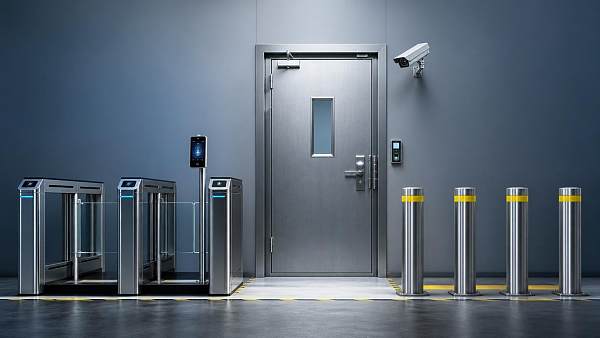
A strong physical security equipment plan begins with risk mapping. Warehouses, offices, and public sites face different threat patterns, access volumes, asset values, and emergency requirements.
Before issuing a purchase request, define at least 3 security zones: public, controlled, and restricted. This prevents overspending on low-risk areas and under-protecting critical points.
Key Questions for Project Managers
- Which assets require delayed entry protection for 5 minutes, 15 minutes, or longer?
- How many staff, visitors, contractors, and vehicles enter during peak 1-hour periods?
- Which doors, loading bays, safes, parcel lockers, or server rooms need audit trails?
- What happens during power failure, fire alarm activation, or network downtime?
The correct answer is usually layered protection. Mechanical resistance slows intrusion, electronic access control identifies users, and surveillance records events for investigation.
Use the following table as a practical starting point when matching site type to common risks and suitable physical security equipment categories.
The key conclusion is simple: physical security equipment should match the risk zone, not personal preference. A door serving 300 users daily needs different hardware from a vault room accessed twice a week.
2. Core Physical Security Equipment Checklist by Layer
A complete checklist should cover 6 practical layers: perimeter, entry control, internal compartmentalization, asset storage, monitoring, and emergency response.
Each layer must remain functional under real operating conditions, including rain, dust, vibration, heavy traffic, and 8 to 12 hours of continuous daily use.
Perimeter and Exterior Control
For warehouses and public facilities, perimeter protection should include fencing, vehicle gates, bollards, guard booths, lighting, and camera coverage for blind corners.
Project teams should check gate duty cycles, wind load ratings, corrosion resistance, and manual release procedures. Exterior devices often fail early when these details are ignored.
Doors, Locks, and Mechanical Resistance
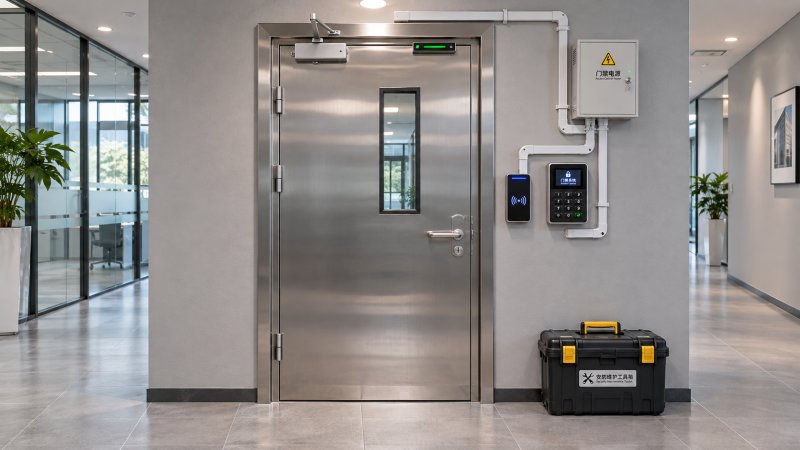
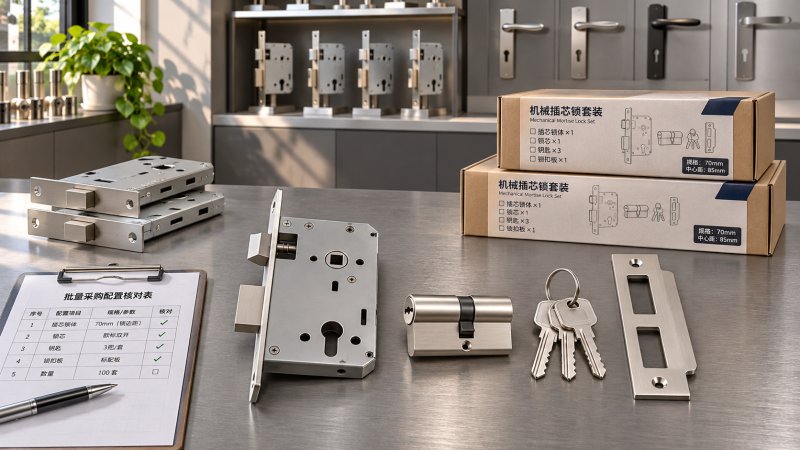
Protective doors and mechanical lock cylinders form the physical baseline. Even the smartest access system depends on hinges, bolts, frames, and strike plates.
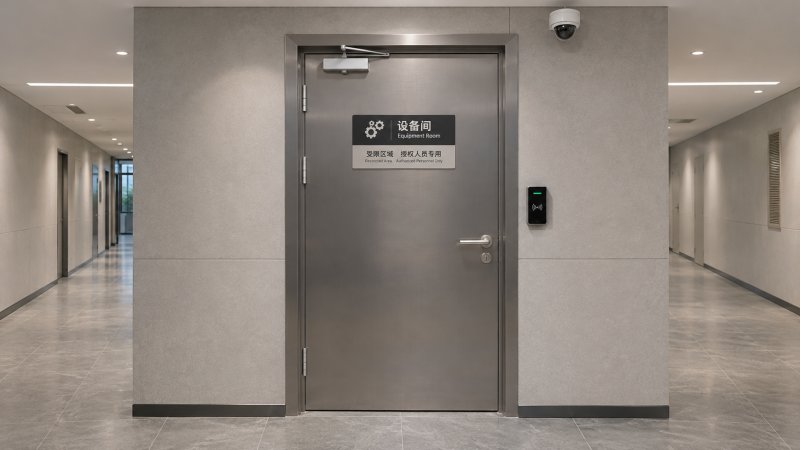
For restricted rooms, consider multi-point locking, reinforced frames, anti-drill cylinders, and key control policies limiting duplication to authorized personnel only.
Minimum Checks for Lock Hardware
- Confirm cylinder resistance against drilling, picking, bumping, and forced rotation.
- Verify door closer performance after at least 50 open-close test cycles.
- Check emergency egress compliance before adding secondary locking devices.
- Record keyholder lists and review them every 3 to 6 months.
Smart Access Control and Biometrics
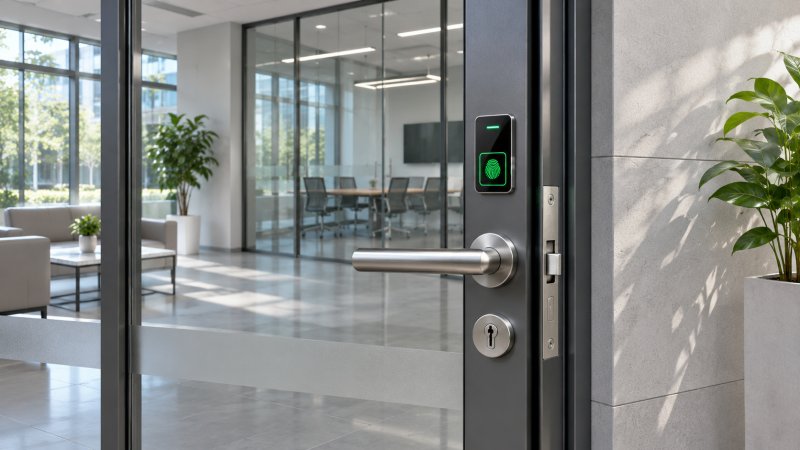
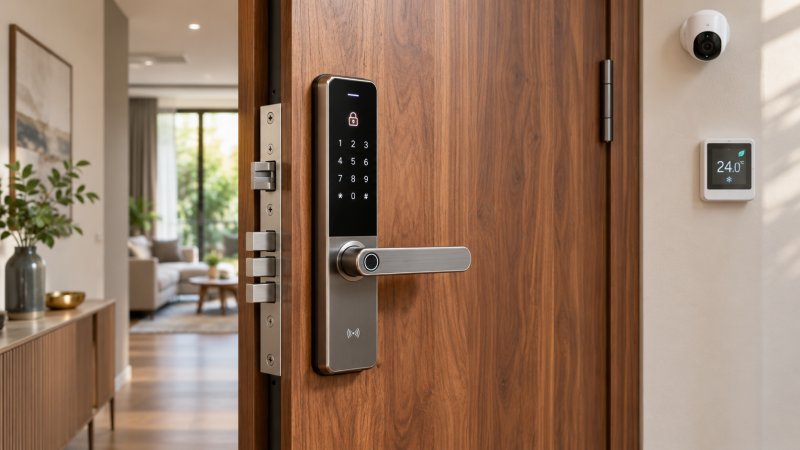
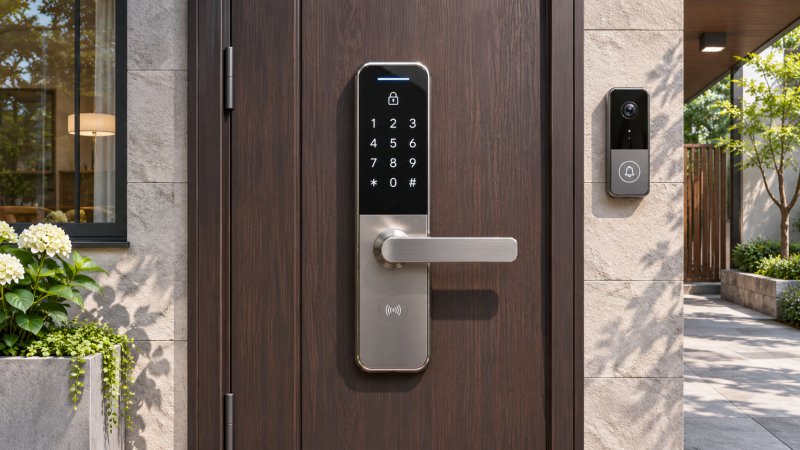
Biometric smart locks, card readers, PIN terminals, and mobile credentials reduce unmanaged key circulation. They also create audit records for compliance reviews.
For high-security areas, choose systems with liveness detection, encrypted credential storage, and local fallback operation for at least 4 to 8 hours during network interruption.
The physical security equipment list below helps compare essential layers during specification review, vendor tendering, or pre-handover inspection.
This table shows why specifications must be measurable. A vague requirement such as “secure access” is weaker than a tested requirement with denied-entry scenarios and offline procedures.
3. Warehouse Security: Protect Inventory, Loading Areas, and Shift Operations
Warehouses require durable physical security equipment because risks extend beyond the main entrance. Dock doors, cages, pallets, dispatch zones, and vehicle yards all need coverage.
A practical warehouse plan often uses 4 protection zones: perimeter gate, loading dock, inventory storage, and restricted management or IT areas.
Loading Dock and Vehicle Gate Priorities
Loading docks are high-risk because access is frequent, schedules are tight, and doors may remain open for 15 to 45 minutes during dispatch.
- Install cameras covering dock plates, vehicle plates, and driver interaction points.
- Use industrial padlocks, electronic seals, or monitored locks for high-value cages.
- Separate pedestrian access from forklift traffic to reduce safety incidents.
- Keep manual override tools under dual-control storage, not near the dock door.
Smart Parcel Lockers for Internal and Last-Mile Control
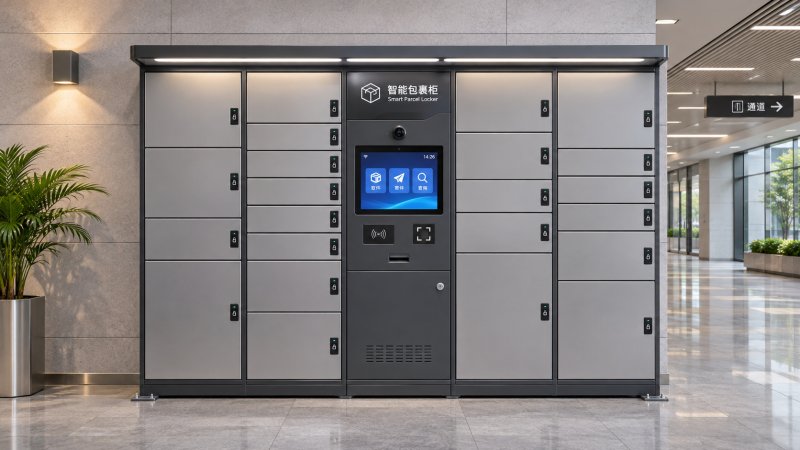
Smart parcel lockers reduce unmanaged handoffs in warehouses, offices, campuses, and residential service areas. They are especially useful for 24/7 parcel release.
When specifying lockers, review galvanized steel thickness, electronic lock endurance, 4G or 5G connectivity, backup power, compartment quantity, and courier platform integration.
For medium-volume sites, 20 to 80 compartments are common. For logistics-heavy facilities, modular expansion is safer than installing a fixed cabinet with no growth path.
4. Office and Public Site Security: Balance Flow, Privacy, and Emergency Access
Offices and public buildings need security without creating daily friction. The best physical security equipment protects people while keeping reception and circulation efficient.
For a lobby serving 500 staff members, a slow gate can create queues within 10 minutes. Throughput planning is therefore a design requirement, not an afterthought.
Turnstiles, Speed Gates, and Anti-Tailgating
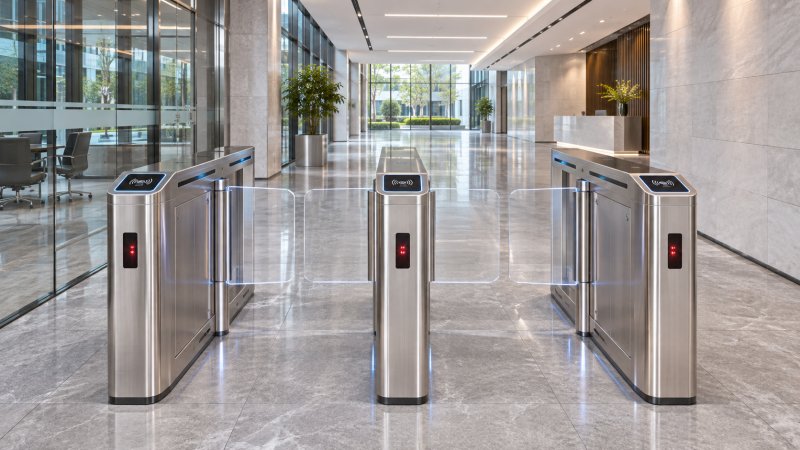
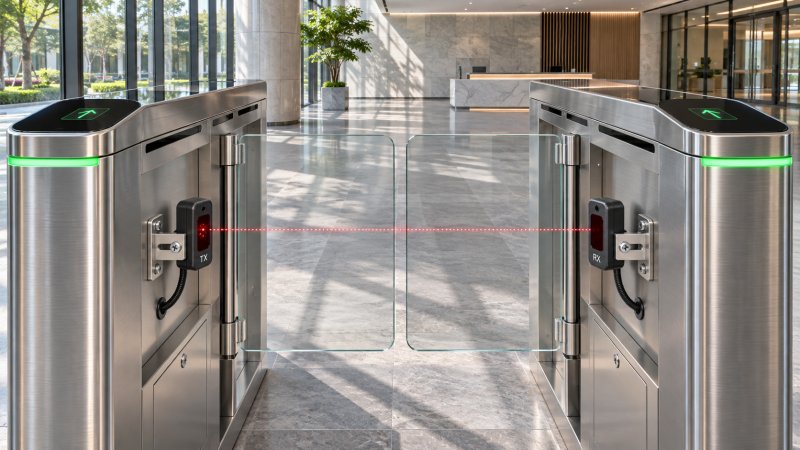
Speed gates are suitable where identity verification and visitor separation are needed. Modern units often combine facial recognition, card access, and infrared anti-pinch detection.
During design review, ask vendors to provide opening speed, lane width, motor duty cycle, emergency release behavior, and anti-tailgating detection method.
Practical Lobby Planning Checks
- Estimate peak arrival within 15-minute windows, not only average daily traffic.
- Provide at least 1 accessible lane for wheelchairs, deliveries, or service staff.
- Confirm fire alarm integration so gates release safely during evacuation.
- Place visitor registration before controlled lanes to prevent bottlenecks.
Safes, Vaults, and Sensitive Document Protection
Offices often underestimate internal storage risk. Contracts, access cards, backup drives, cash, and master keys should not remain in ordinary cabinets.
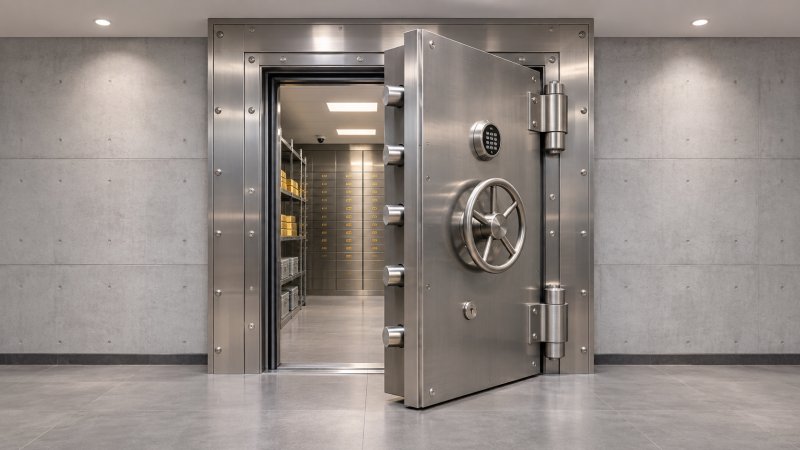
For valuable assets, specify safes or vault cabinets based on burglary resistance, fire protection time, anchoring, compartment layout, and dual-control opening procedures.
In high-risk projects, request evidence of recognized burglary or fire testing standards. Avoid relying only on door thickness, cabinet weight, or marketing descriptions.
5. Procurement, Installation, and Handover Controls
Project managers should treat physical security equipment as a coordinated system. Procurement, installation, commissioning, documentation, and maintenance must be planned together.
A typical deployment can be organized into 5 stages: survey, specification, procurement, installation, and operational handover. Each stage needs clear owners.
Decision Factors for Vendor Evaluation
Price matters, but it should not be the first filter. A low-cost device can become expensive if it fails under heavy use or lacks spare parts.
The table below provides a procurement framework for comparing suppliers across technical, operational, and lifecycle factors.
The strongest bids are not always the cheapest. They are the ones that make installation predictable, maintenance practical, and long-term security performance auditable.
Commissioning and Acceptance Tests
Commissioning should include both functional and abuse-oriented tests. A lock that opens correctly once is not enough for a commercial project.
- Test each credential type, including expired, lost, duplicate, and emergency credentials.
- Run power-loss tests lasting at least 30 minutes for critical access points.
- Verify camera recording, playback, timestamp accuracy, and 7 to 30 days of storage capacity.
- Inspect physical fixings, anchor bolts, cable protection, and tamper alarms.
- Train security staff and facility teams with written procedures, not verbal instructions only.
6. Maintenance, Upgrades, and Common Mistakes to Avoid
Physical security equipment degrades when maintenance is reactive. Batteries expire, cylinders wear, doors misalign, camera lenses collect dust, and firmware becomes outdated.
A practical maintenance schedule should include monthly visual inspection, quarterly function tests, and annual risk reassessment for changing operations or occupancy patterns.
Common Mistakes in Security Hardware Projects
- Buying smart devices without checking mechanical door strength and frame condition.
- Placing cameras where faces are backlit or blocked by signage.
- Using one master key too broadly across contractors, cleaners, and temporary staff.
- Ignoring backup power for access control, lockers, and network switches.
- Failing to update user permissions within 24 hours after staff departure.
Upgrade Signals for Existing Sites
Upgrade planning becomes urgent when unauthorized entries increase, keys are untraceable, visitor queues expand, or incident investigations lack usable video evidence.
If more than 20% of devices are past warranty, or critical spare parts take over 4 weeks to source, replacement planning should begin early.
Practical Maintenance Metrics
Track access failures per door, average repair time, battery replacement dates, camera uptime, false alarm counts, and user permission changes each month.
These metrics help facility teams justify upgrades with operational evidence rather than relying on subjective complaints after incidents occur.
Build a Stronger Security Baseline With the Right Checklist
The right physical security equipment checklist helps project managers convert security intent into measurable hardware, tested procedures, and maintainable site operations.
For warehouses, focus on loading docks, inventory zones, vehicle control, and rugged equipment. For offices, prioritize controlled access, safe storage, and visitor flow.
For public sites, combine durable barriers with efficient people movement, emergency release, surveillance coverage, and clear responsibilities for daily operation.
SHPS supports security hardware decision-makers with intelligence on safes, biometric smart locks, mechanical cylinders, protective doors, turnstiles, and smart parcel lockers.
If you are planning a new facility, expansion, or security retrofit, consult our specialists to compare solutions, refine specifications, and obtain a practical equipment checklist for your project.
Have questions about this sector analysis, or seeking best practices specific to your niche? Drop us a line below and let the senior consultants at MHLS assist you.
We respect your privacy. Your information is strictly confidential.
Recommended News
 Physical Security Infrastructure Cost: Budgeting for Installation and MaintenanceUnmanned Terminal FellowUnderstand physical security infrastructure cost and build a smarter budget for installation, maintenance, and long-term ownership.
 Financial Facility Security: Choosing Vault Doors for Bank BranchesVault Structural ArchitectStrengthen financial facility security with the right bank vault door. Explore certification, installation, locking controls and maintenance before you buy.
 MACO Acquires Majority Stake in Fingerprint Access Provider ekeyProf. Elara SterlingMACO acquires a majority stake in ekey, bringing fingerprint access and door hardware closer together. Discover what the deal could mean for smart buildings.
 Physical Security System Engineering: From Risk Assessment to System DesignUnmanned Terminal FellowExplore physical security system engineering, from risk assessment to integrated design, procurement and testing. Build a safer, more resilient facility.
 Apple Home Collection Smart Lock and Other Accessories Open for Preorder November 13Biometric Auth ScientistApple Home Collection preorders open November 13, 2026. Explore the LG smart lock’s Matter and Aliro support and what buyers should verify before ordering.
 Choosing Servo-Driven Flap Barriers: Throughput, Safety and Access ControlAccess Control StrategistServo-driven flap barriers can balance throughput, safety and access control. Discover how to compare lanes, test performance and choose with confidence.
 Parcel Locker Network Pricing: Setup Costs, Fees and Contract TermsUnmanned Terminal FellowCompare parcel locker networks pricing, from setup costs and recurring fees to contract terms. Discover hidden charges and choose the right model.
 JR East Plans UWB Walk-Through Gates at 40 Stations in Spring 2028Access Control StrategistJR East plans UWB walk-through gates at 40 stations in spring 2028. Explore the rollout timeline and what suppliers should watch.
 Bank Vault Security Standards: UL and EN Ratings ExplainedVault Structural ArchitectExplore bank vault security standards and learn how UL 608 classes and EN 1143-1 grades differ, what they test, and how to verify certification before you buy.
 Mechanical Lock Hardware Prices: What Buyers Should Budget for Bulk OrdersMr. Gideon CrossMechanical lock hardware price is just the starting point. Discover what drives bulk-order costs and how to compare supplier quotes with confidence.
 IndexBox Forecasts Steady Global Security Keypad Market Growth Through 2035Dr. Valerius ThorneGlobal security keypad market growth is forecast at 3.3% annually through 2035. Explore the smart home and replacement trends shaping demand.
 Choosing an Infrared Safety Sensors Manufacturer: What Buyers Should CheckUnmanned Terminal FellowChoosing an infrared safety sensors manufacturer? Compare safety evidence, integration, environmental performance and lifecycle costs before you buy.